How to review preliminary cost of trading materials
The video and illustrations are retained from an earlier interface. Use the written routes, report titles and interpretation below for the current workflow.
Use two reports to review stock: one for quantities by warehouse and company, and one for quantities and cost. A matching quantity does not by itself confirm the inventory valuation. Generate produces a report; it does not establish that final cost calculation is complete.
Check quantities by warehouse and company
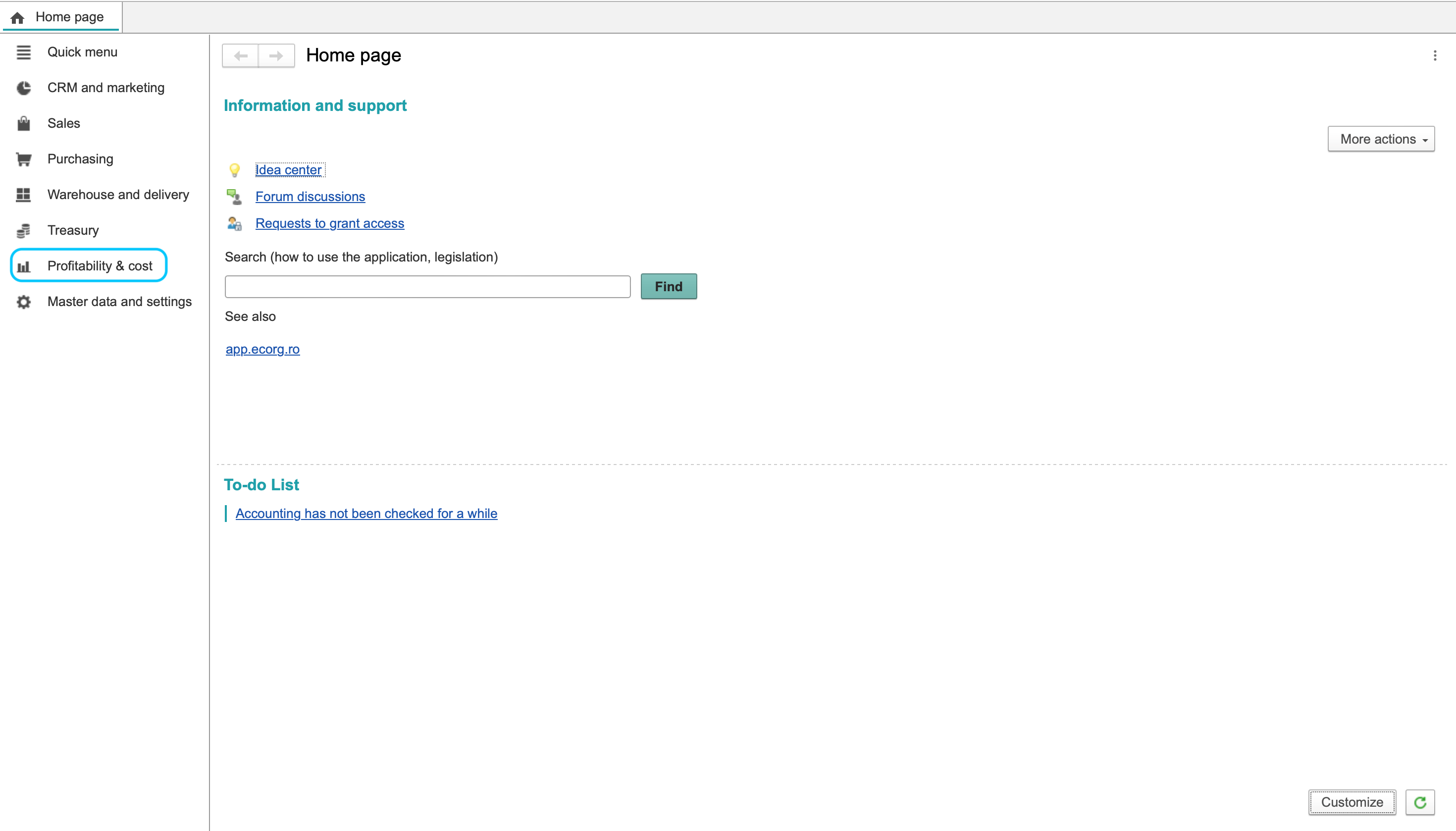
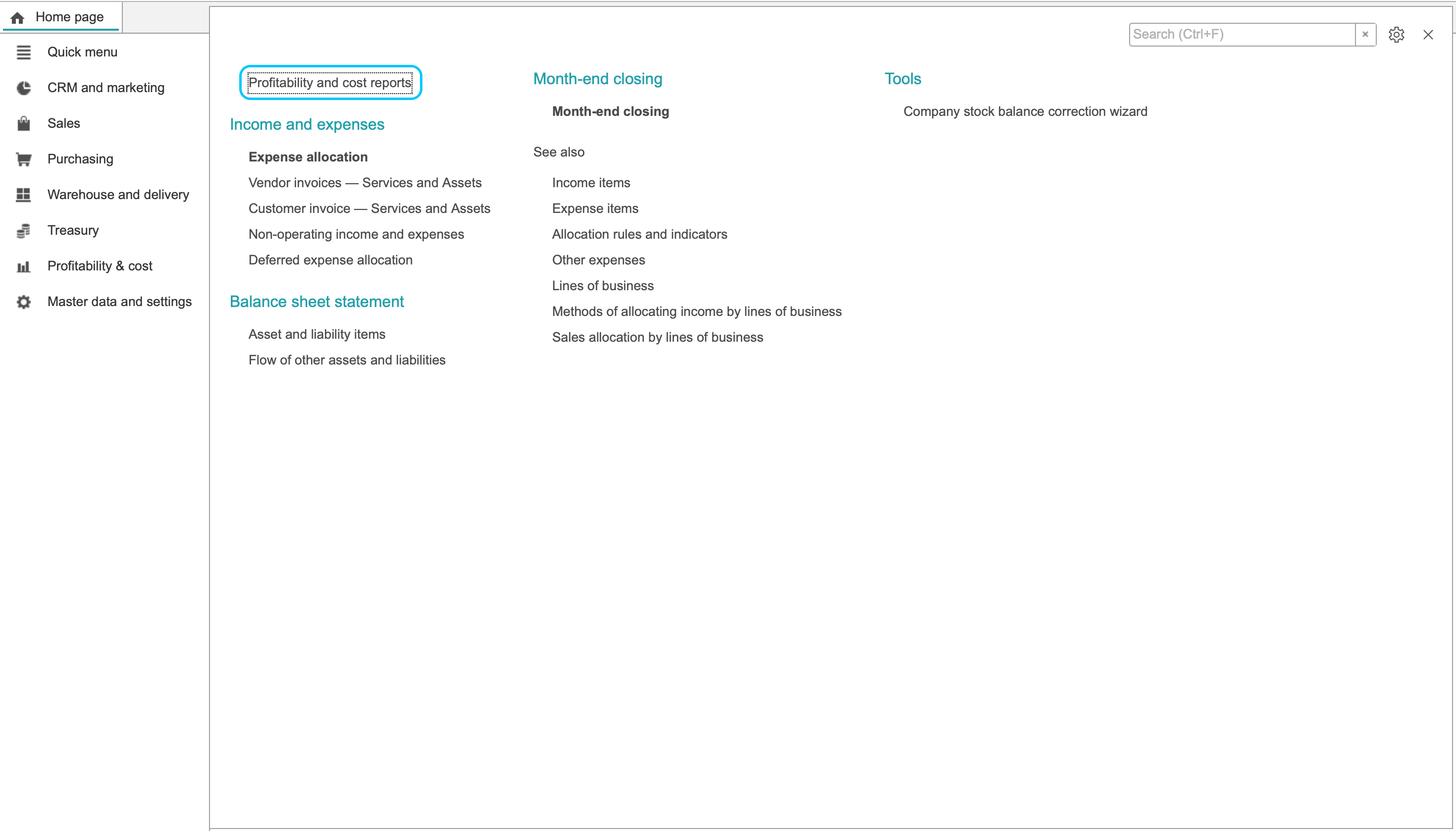
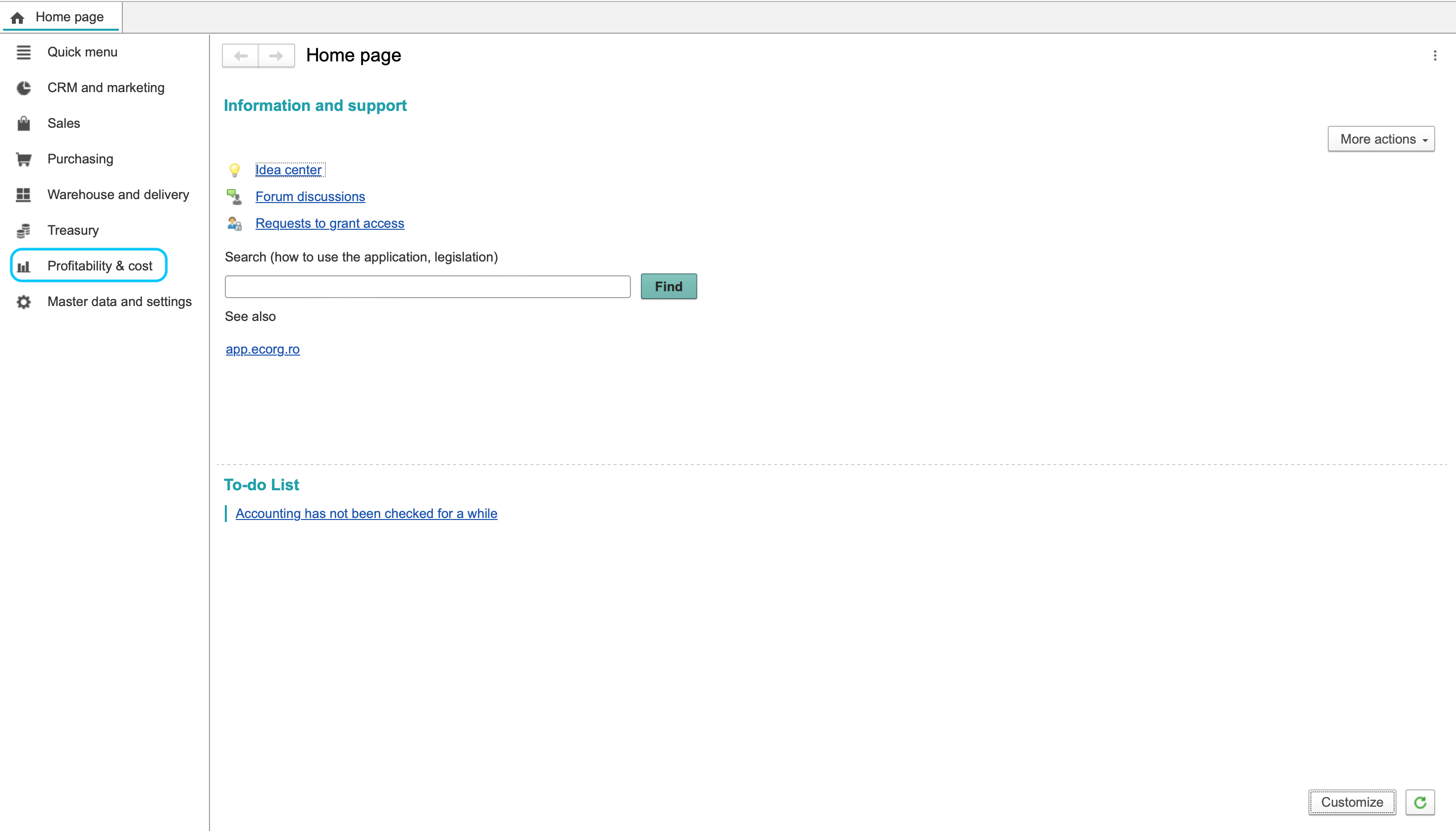
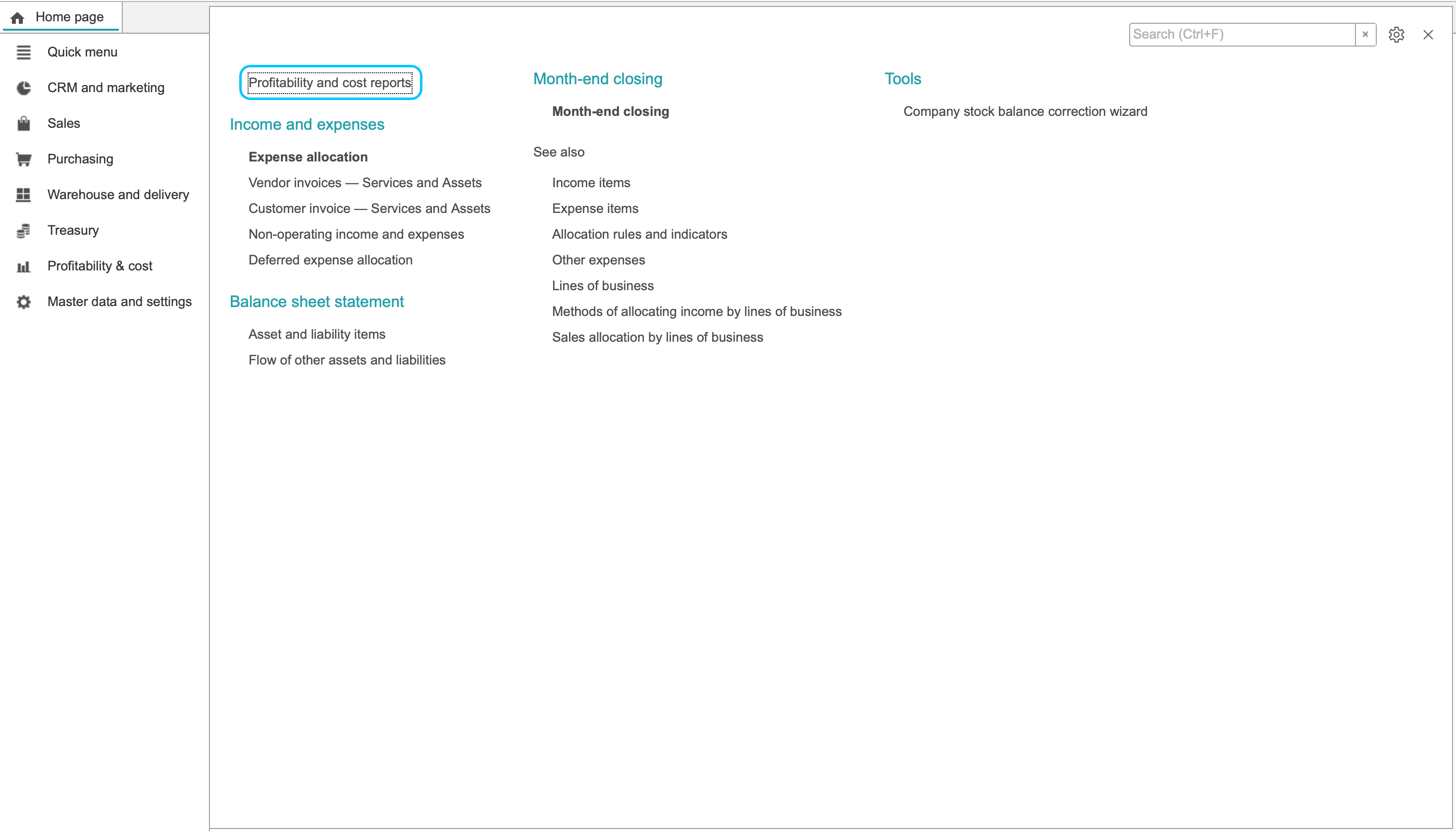
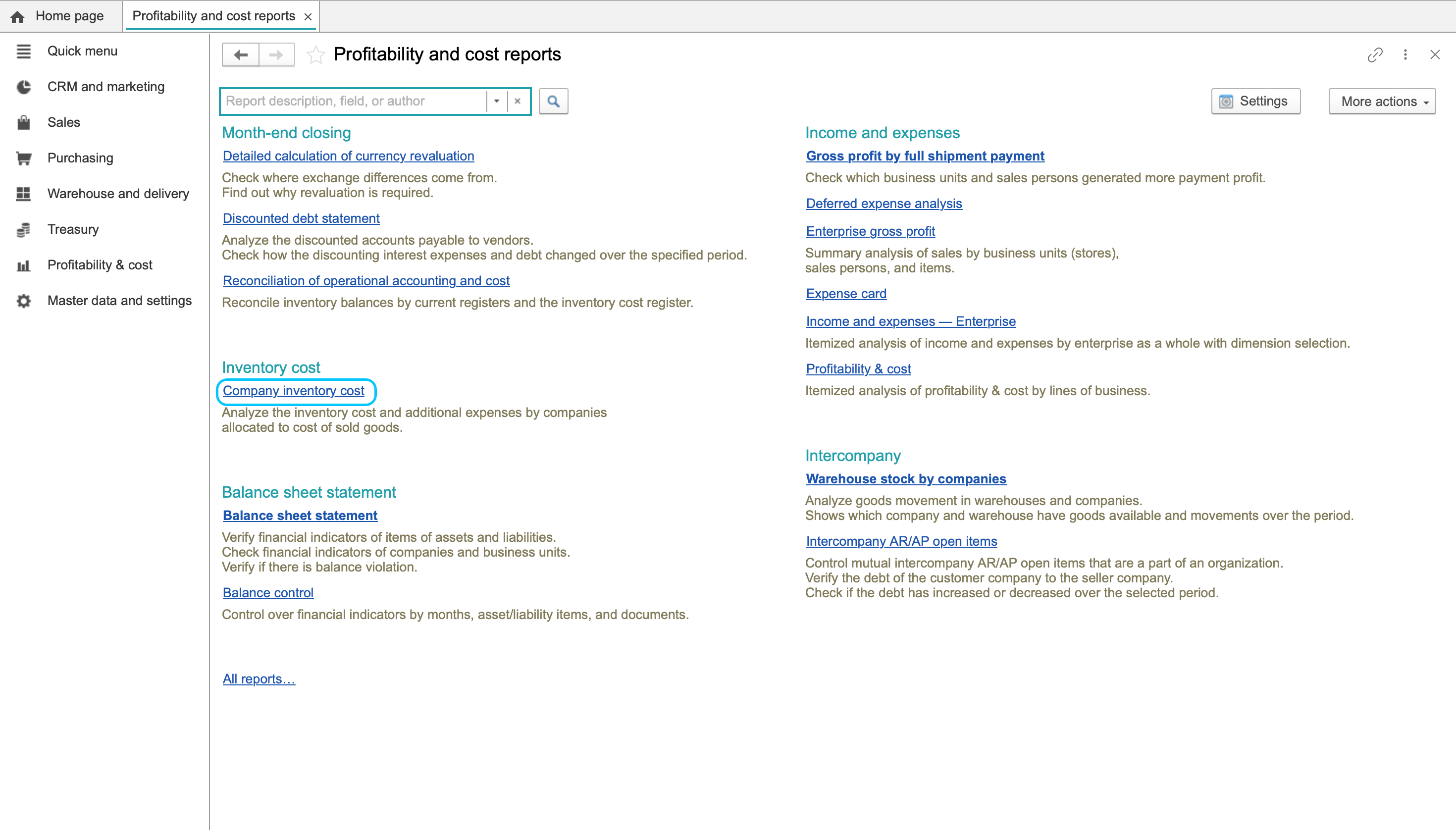
- Open Profitability & cost > Profitability and cost reports.
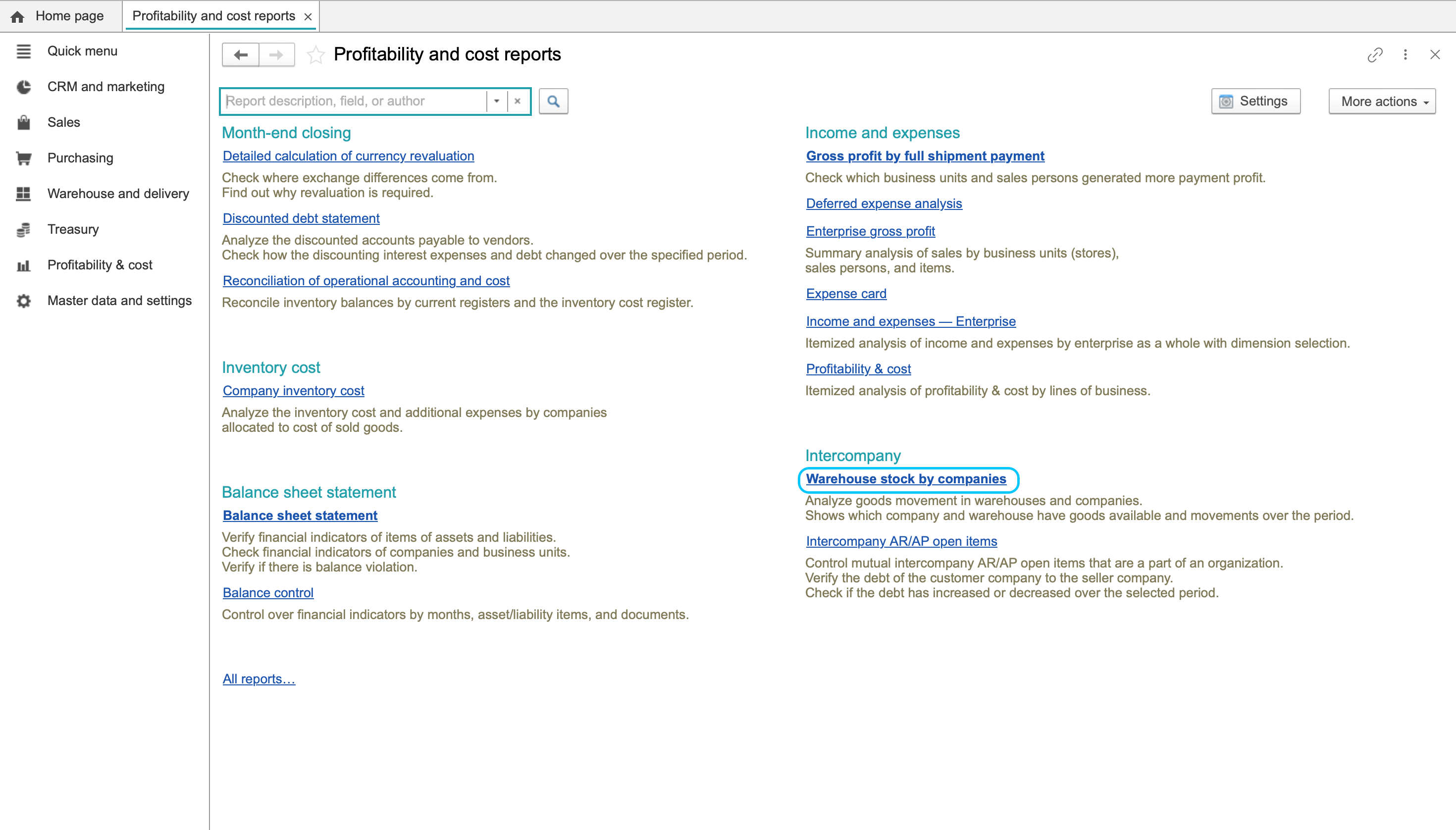
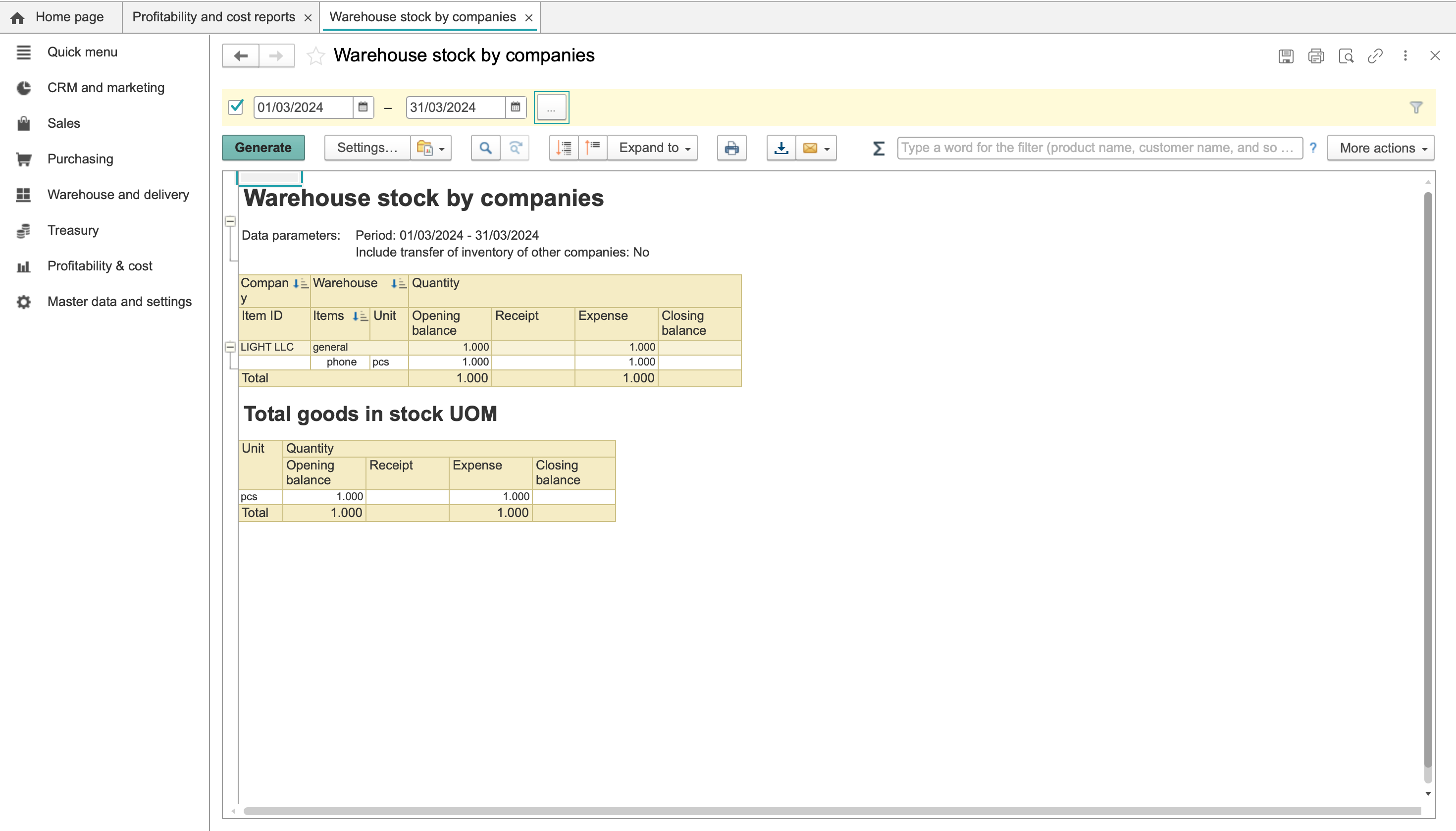
- Choose Warehouse stock by companies.
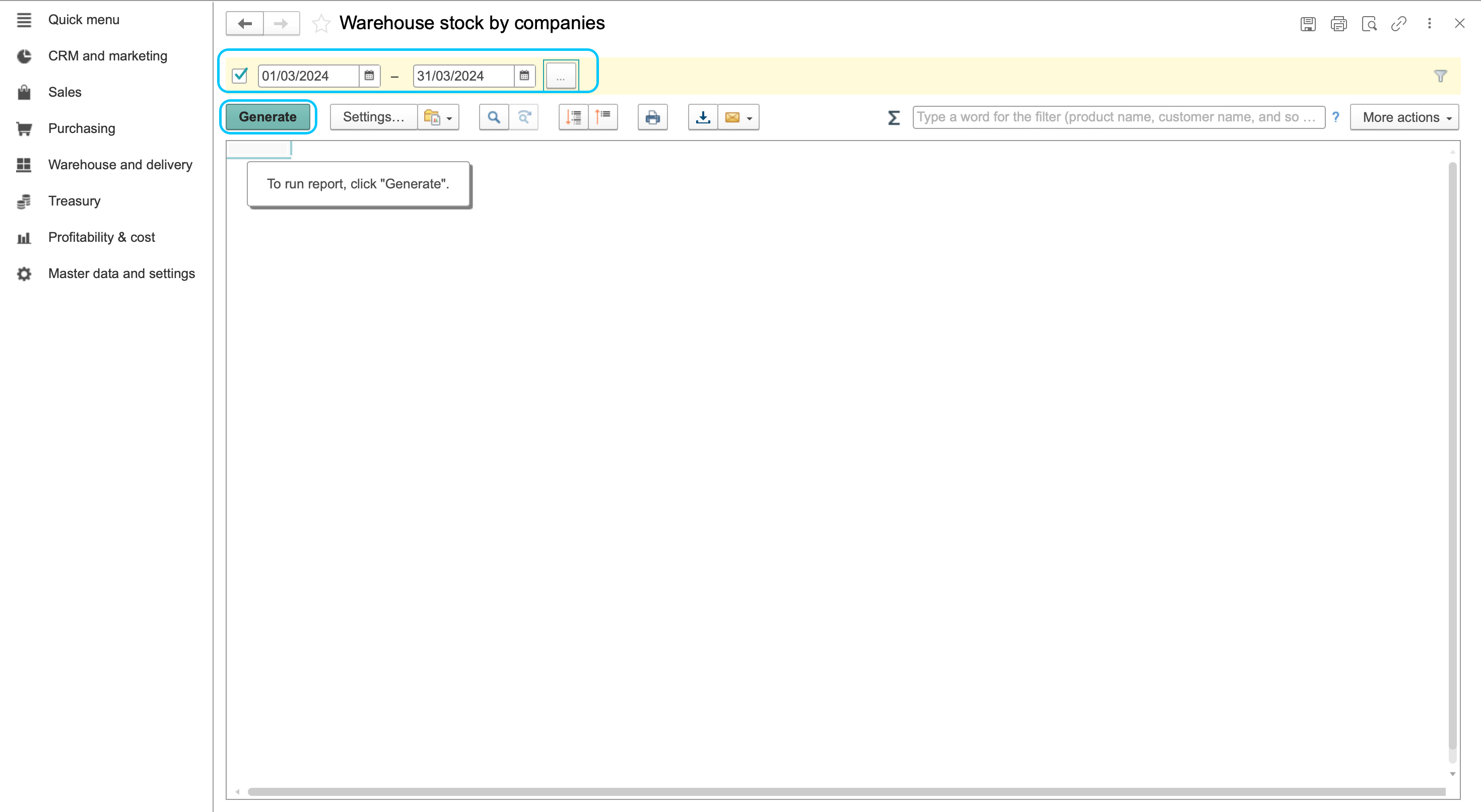
- Set the reporting period and warehouse filter. Include the dates of the receipts and shipments you are reconciling.
- Click Generate and review the report table. Identify the company, item and unit of measure, then compare opening, received, issued and closing quantities.
- Read the report header, including Include transfer of inventory of other companies. For example, a header value of No must be considered when comparing the report with another stock view.
This report checks quantities. Use Receiving goods and Shipping goods to review the related warehouse documents.
Review inventory cost
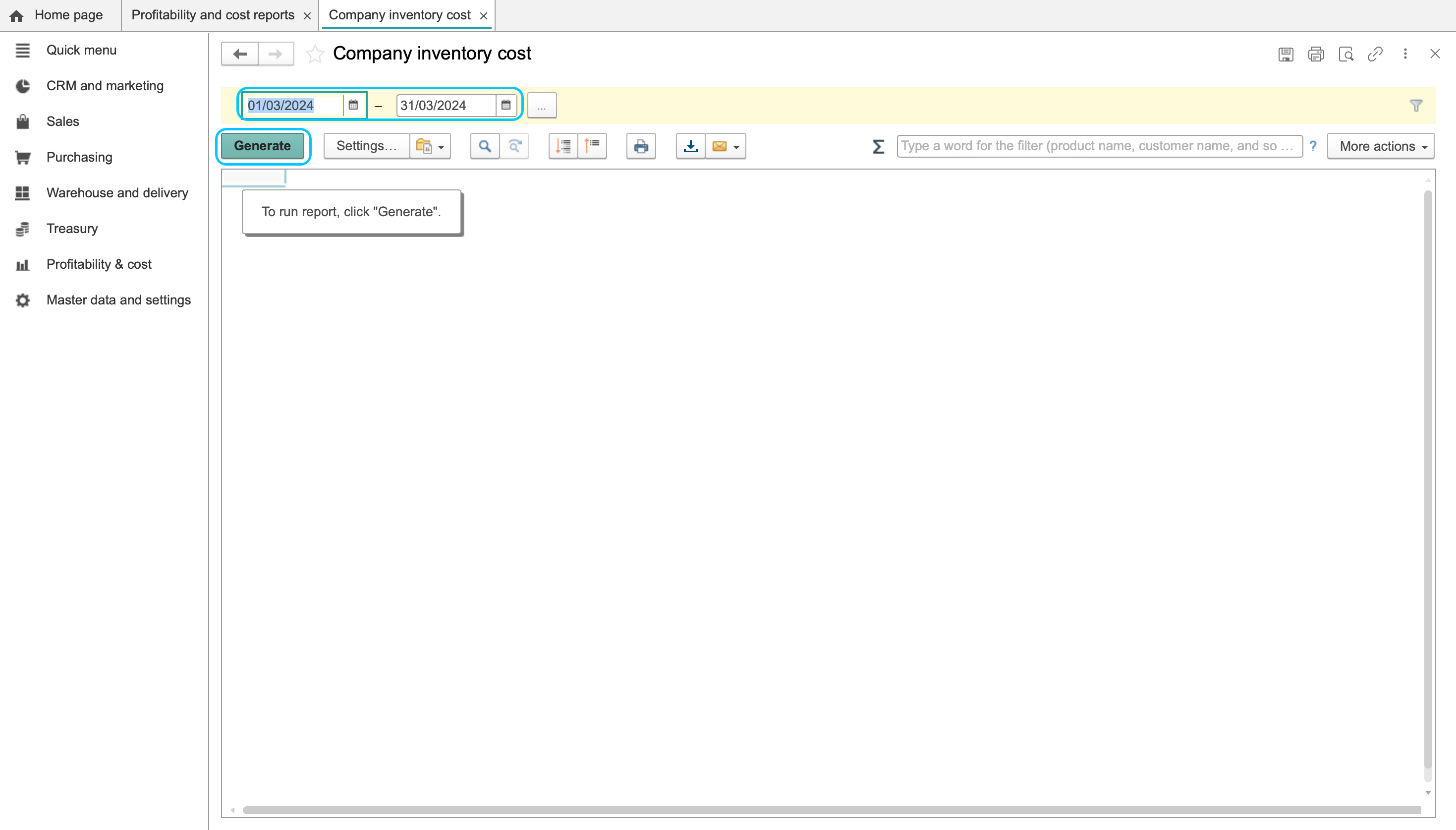
- Return to Profitability and cost reports and open Company inventory cost.
- Set the period and click Generate.
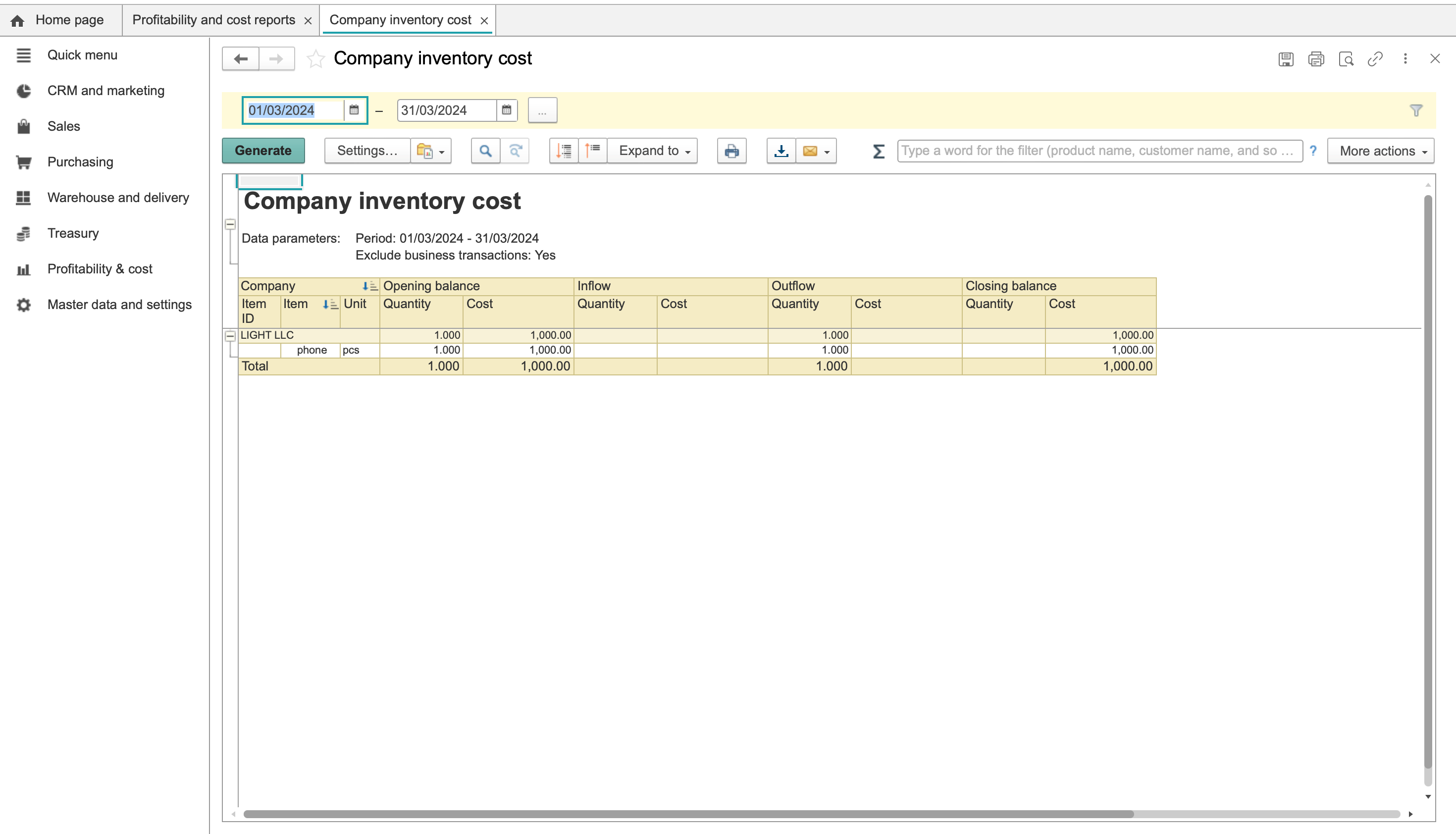
- Read Cost data in the header. In the national accounting currency identifies the accounting currency basis of the displayed costs. Also review Exclude inventory transfers.
- Find the company, item, batch and UOM. Read both quantity and cost for the opening balance, receipts, issues and closing balance. This is a value review as well as a quantity review.
Before comparing reports, check these distinctions:
- Period: use the same dates when reconciling movements.
- Scope and filters: the quantity report can be filtered to a warehouse. Do not assume that the cost report has the same warehouse scope; review its company/item/batch rows and header settings.
- Unit: compare quantities in the same UOM. A cost amount is not a unit quantity.
- Currency: interpret cost in the currency basis shown by Cost data. Quantity columns are not currency amounts.
Investigate incomplete issue costs
For example, a report may show the following for one item and batch, with costs in the report's selected currency basis:
| Movement | Quantity, PCE | Cost |
|---|---|---|
| Receipt | 10 | 100 |
| Issue | 2 | blank |
| Closing balance | 8 | 100 |
The quantities reconcile as 10 − 2 = 8, but the cost of the issue is missing. A blank is not a confirmed zero. Do not treat the closing cost of 100 as a verified valuation, or substitute 80 using a simple proportion.
Check the period and scope first, then review the source documents, cost-calculation status and any expense allocations with the person responsible for costing. The report alone does not identify the cause. In particular, do not assume that month-end closing explains the difference without checking the calculation and documents.
After the relevant checks or corrections, generate the report again and reconcile receipt, issue and closing costs before using the valuation. Final cost calculation and expense allocation are separate procedures from generating these reports.
Earlier illustrations
These screens show the earlier navigation and report layouts; they do not validate the displayed valuation.
Earlier illustrations