Setting up VAT
The video below is retained from an earlier interface. Follow the written steps for the current workflow; the video is not confirmation of current field requirements or tax rules.
Review the company's VAT status and the rate catalog before changing tax settings. Use the regime, rate and effective date confirmed for the company and transaction. The existence or name of a demo rate does not establish its applicability.
Review the company's VAT status
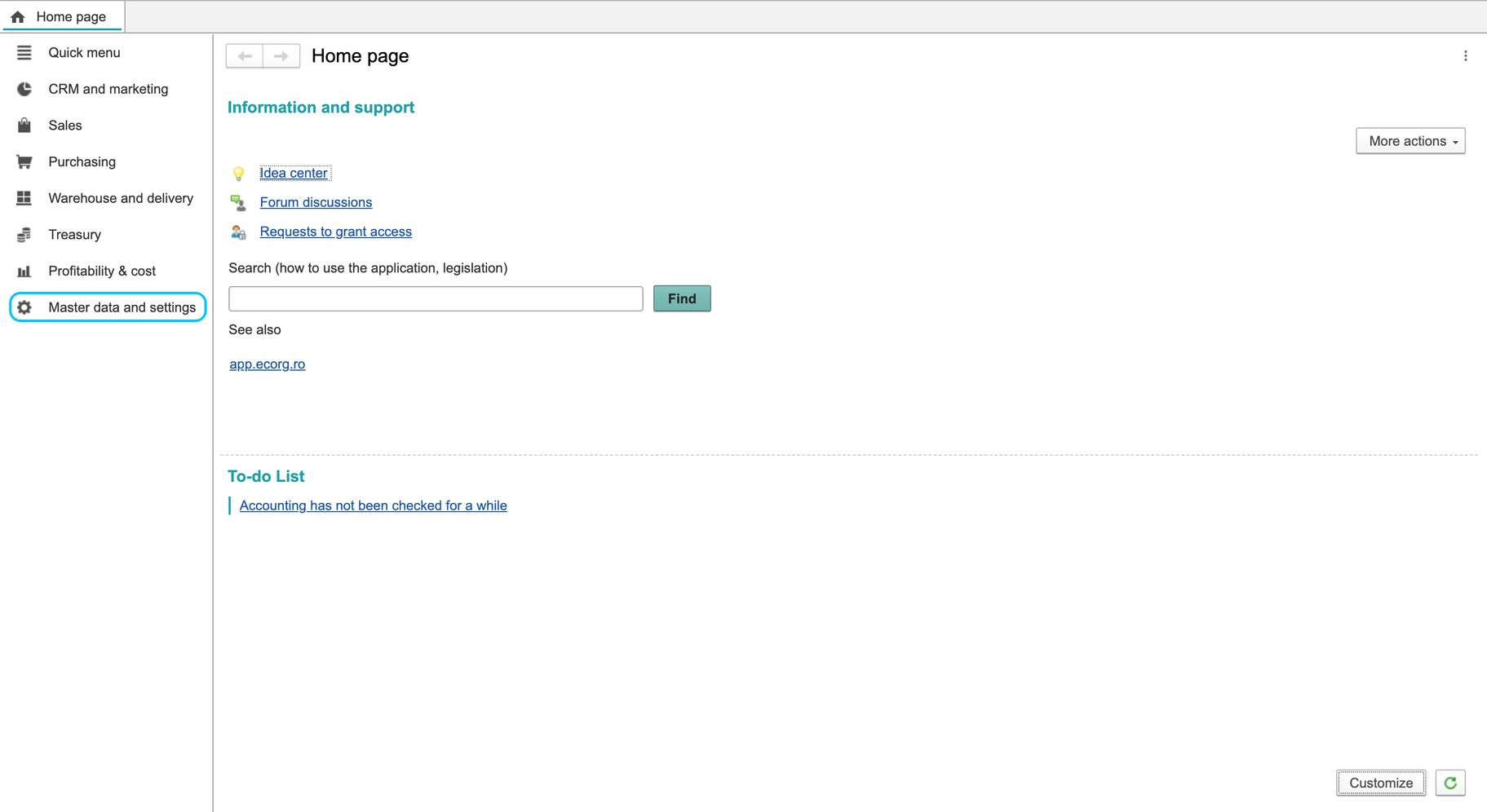
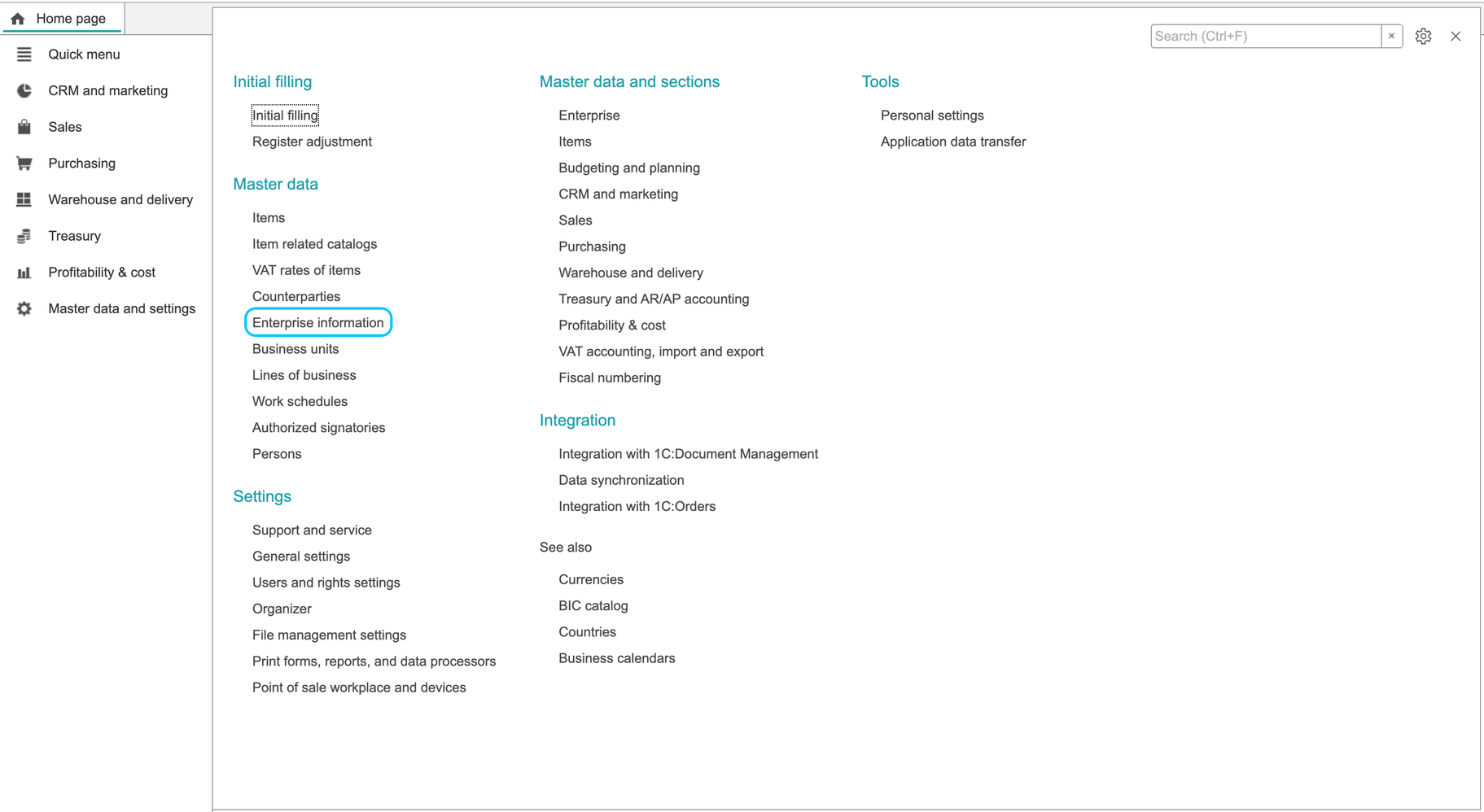
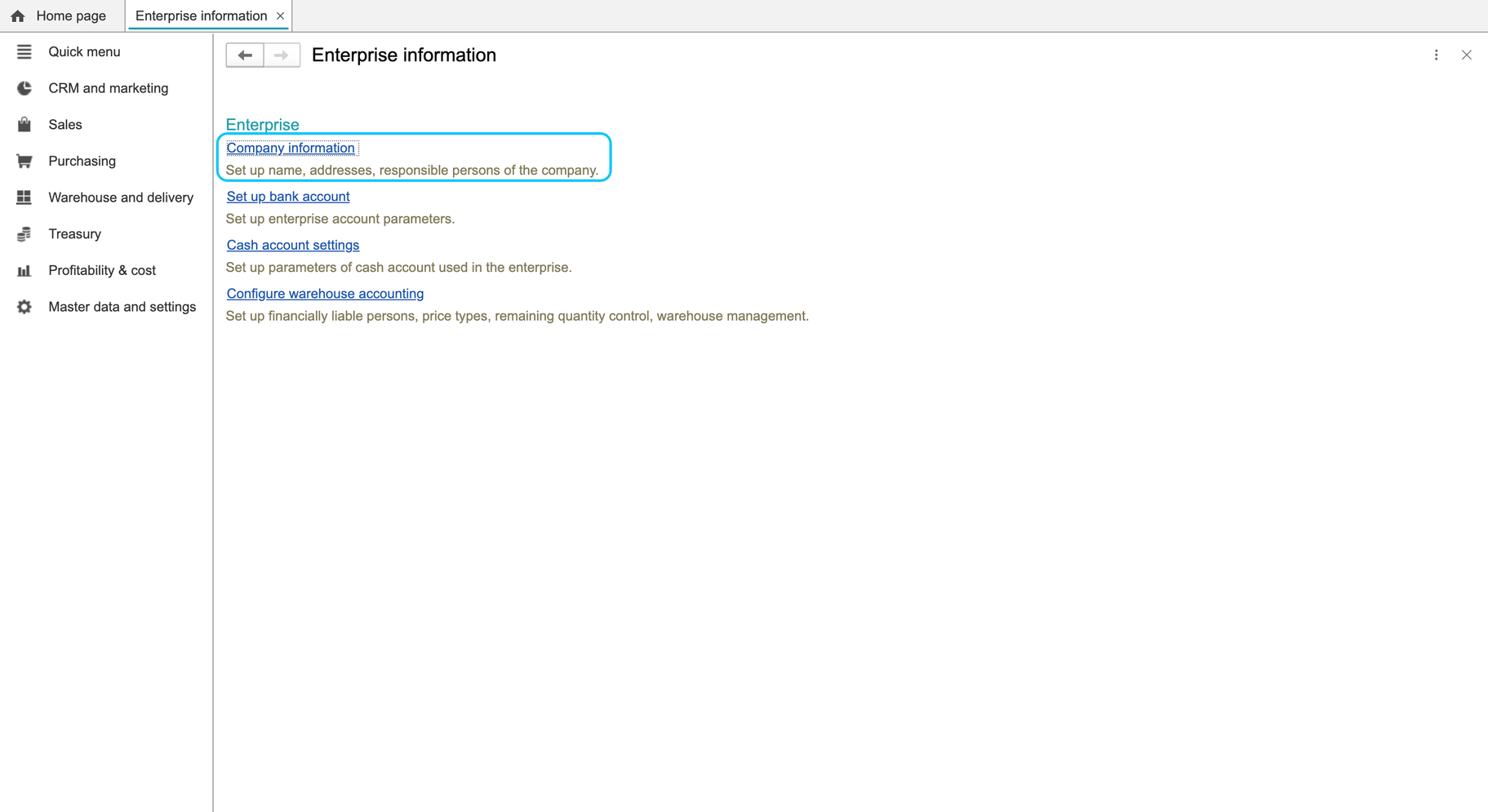
- Open Master data and settings > Enterprise information > Company information.
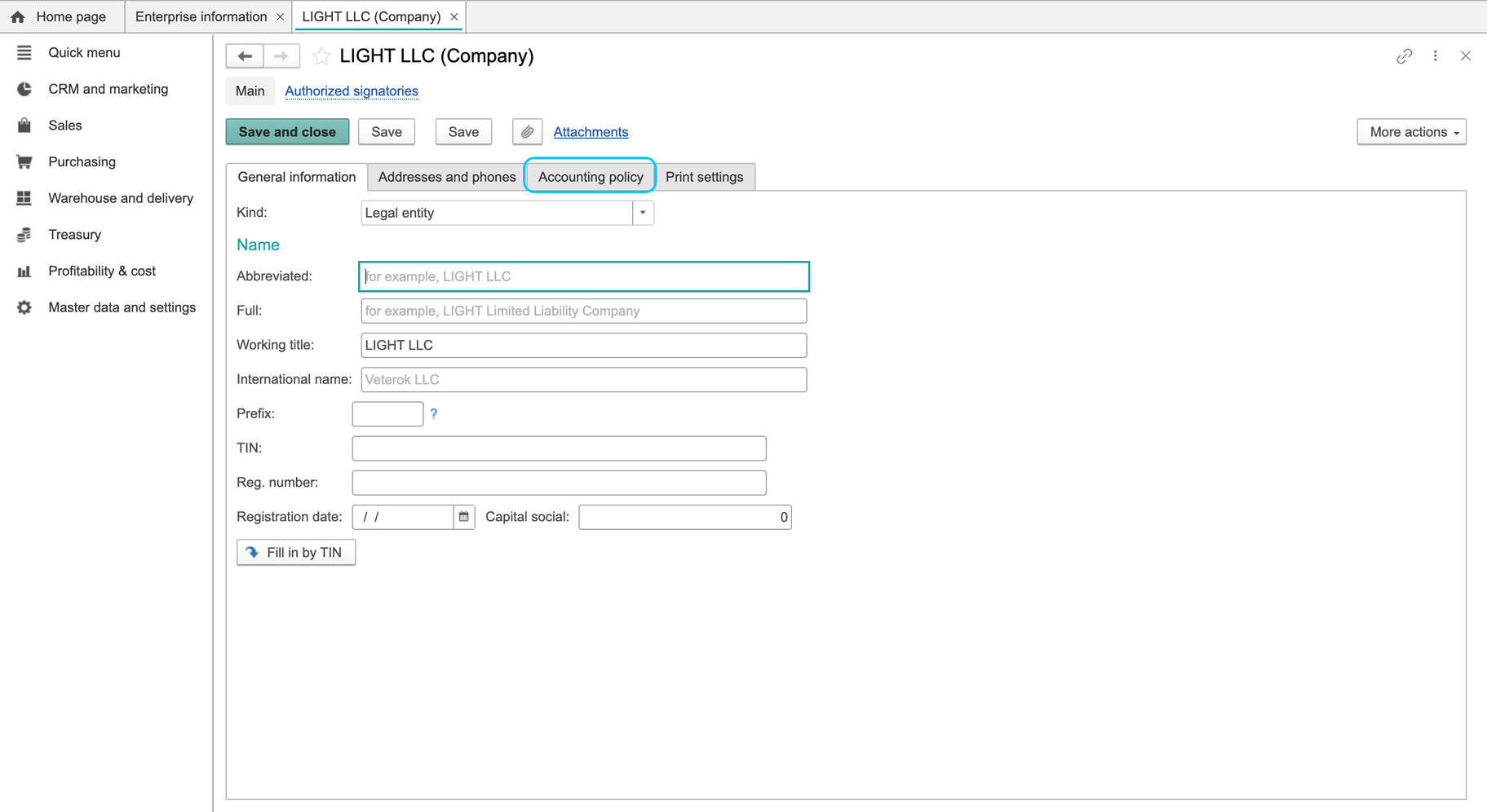
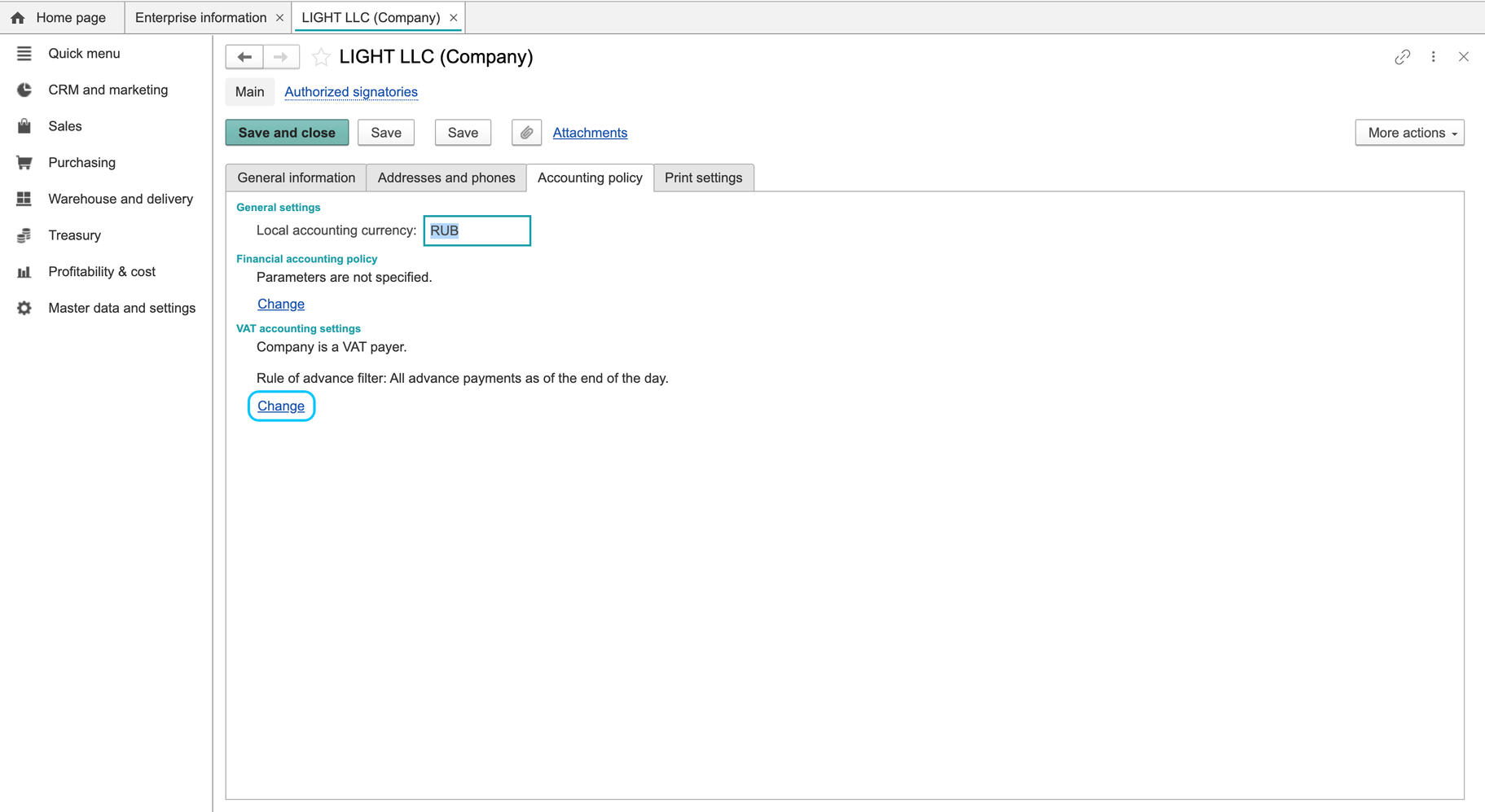
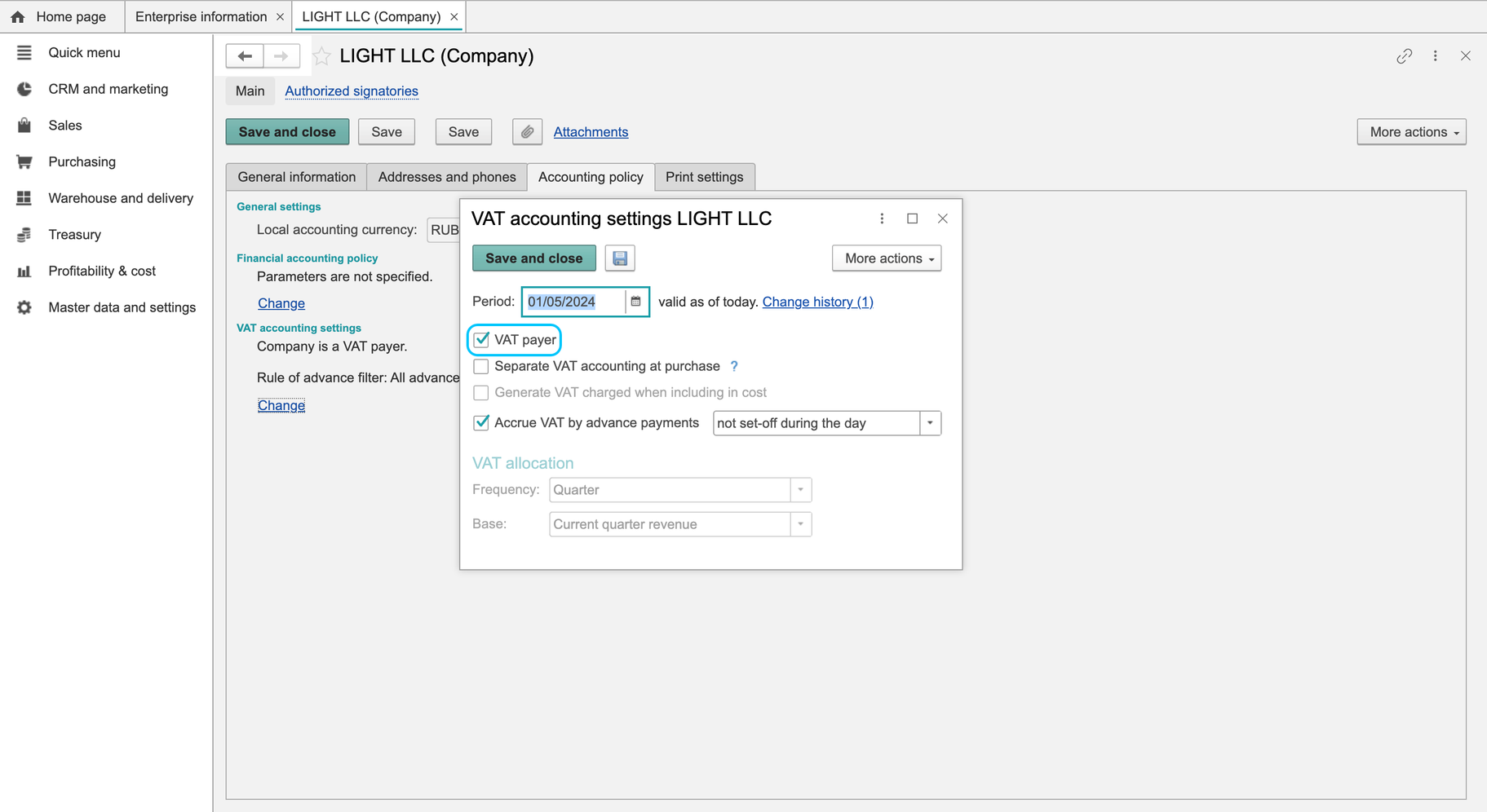
- On Accounting policy, find the VAT section and click Change. This opens VAT accounting settings.
- Review the effective Period and the history. Check which record applies to the date of your transaction before proposing a change.
- Review VAT payer status. The current form uses a dropdown with these three options:
- Not a VAT payer
- VAT on payment
- VAT on shipment
Choose a status only when it has been confirmed for the company. The older VAT payer checkbox shown in the archived material is not the control on the checked form.
Additional controls for purchase VAT, advances and tax-invoice timing were visible. Their presence is not an instruction to enable them all. Review only the settings required by the company's approved accounting process.
Locate and review VAT rates
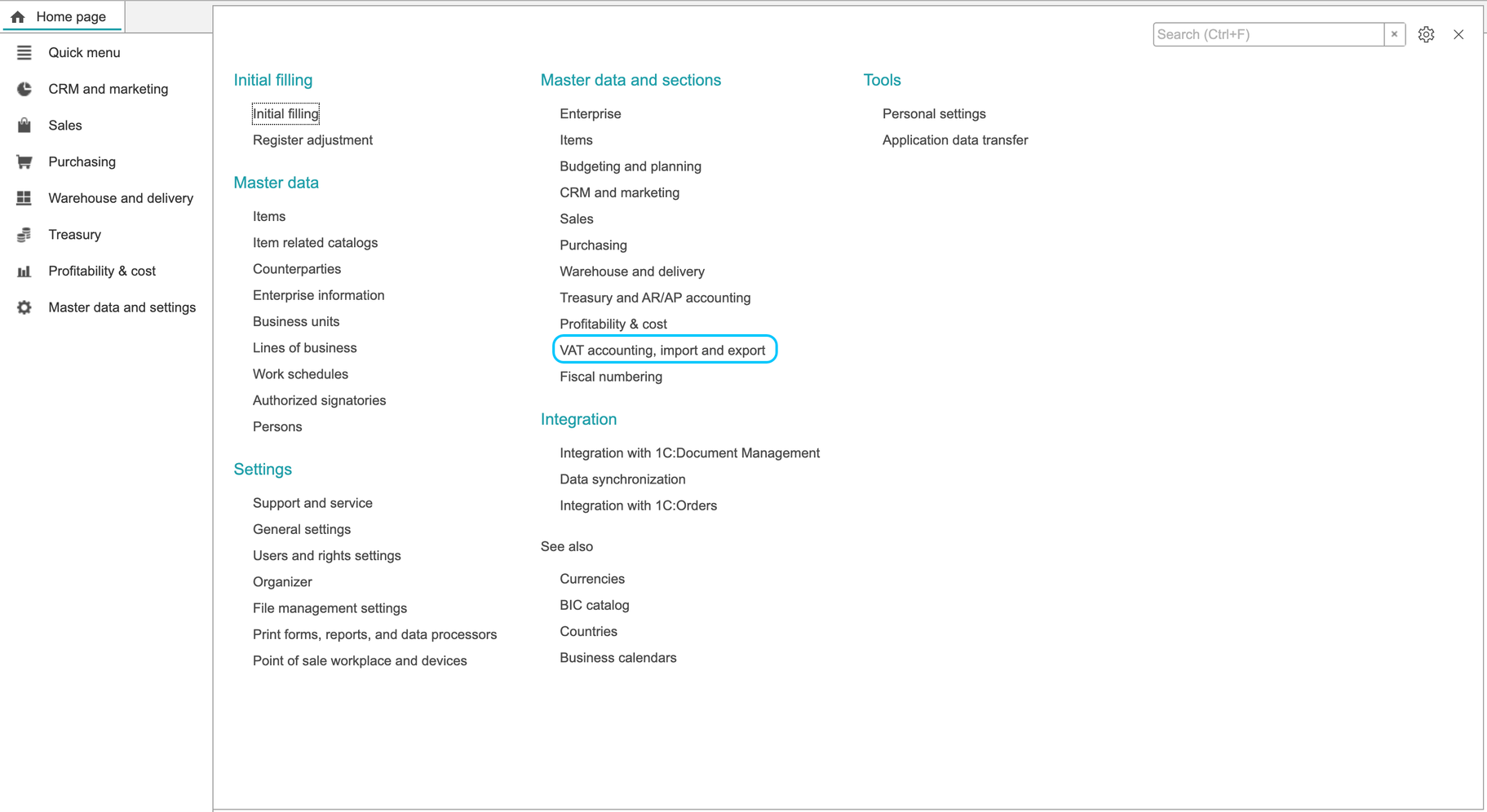
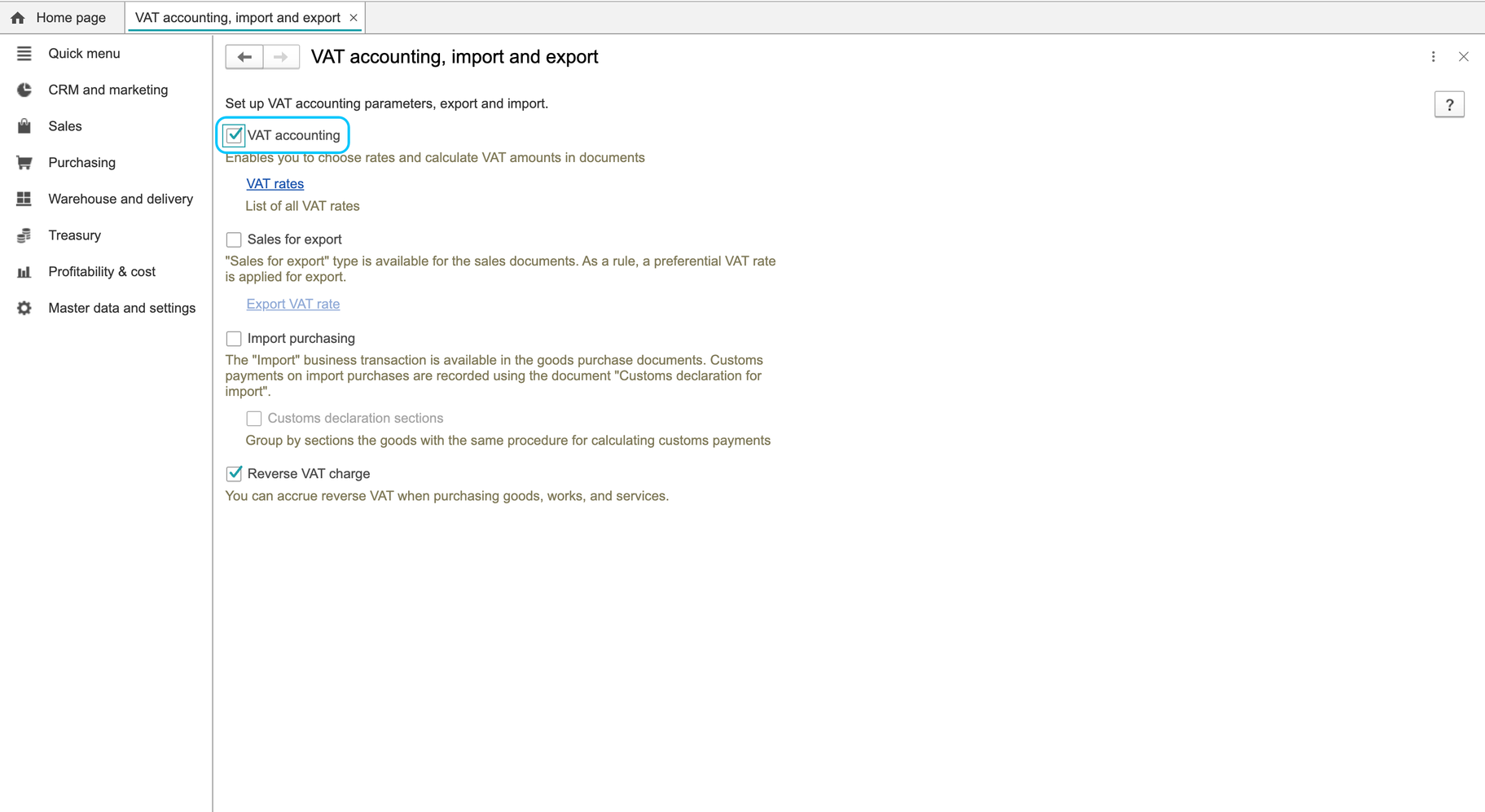
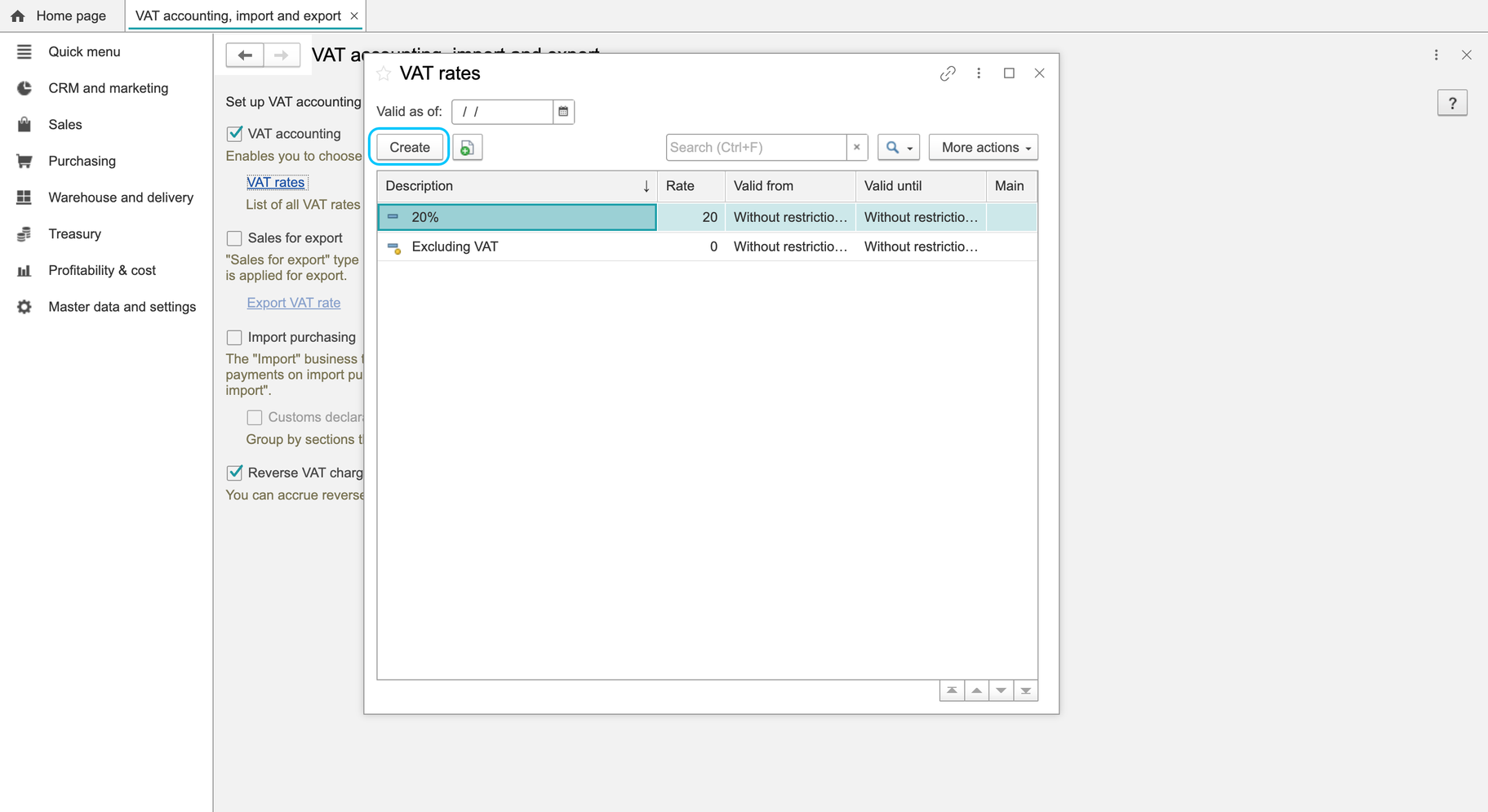
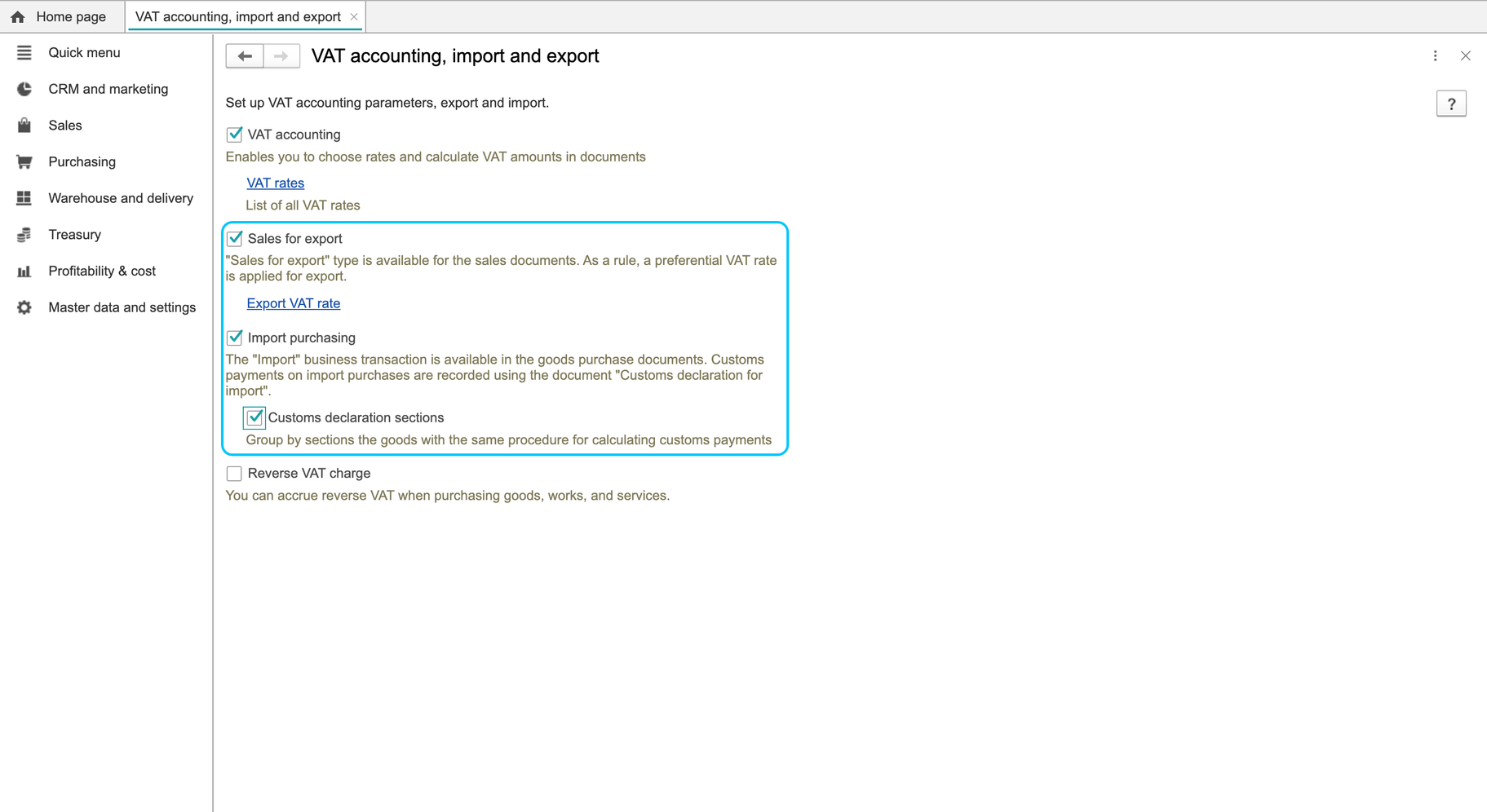
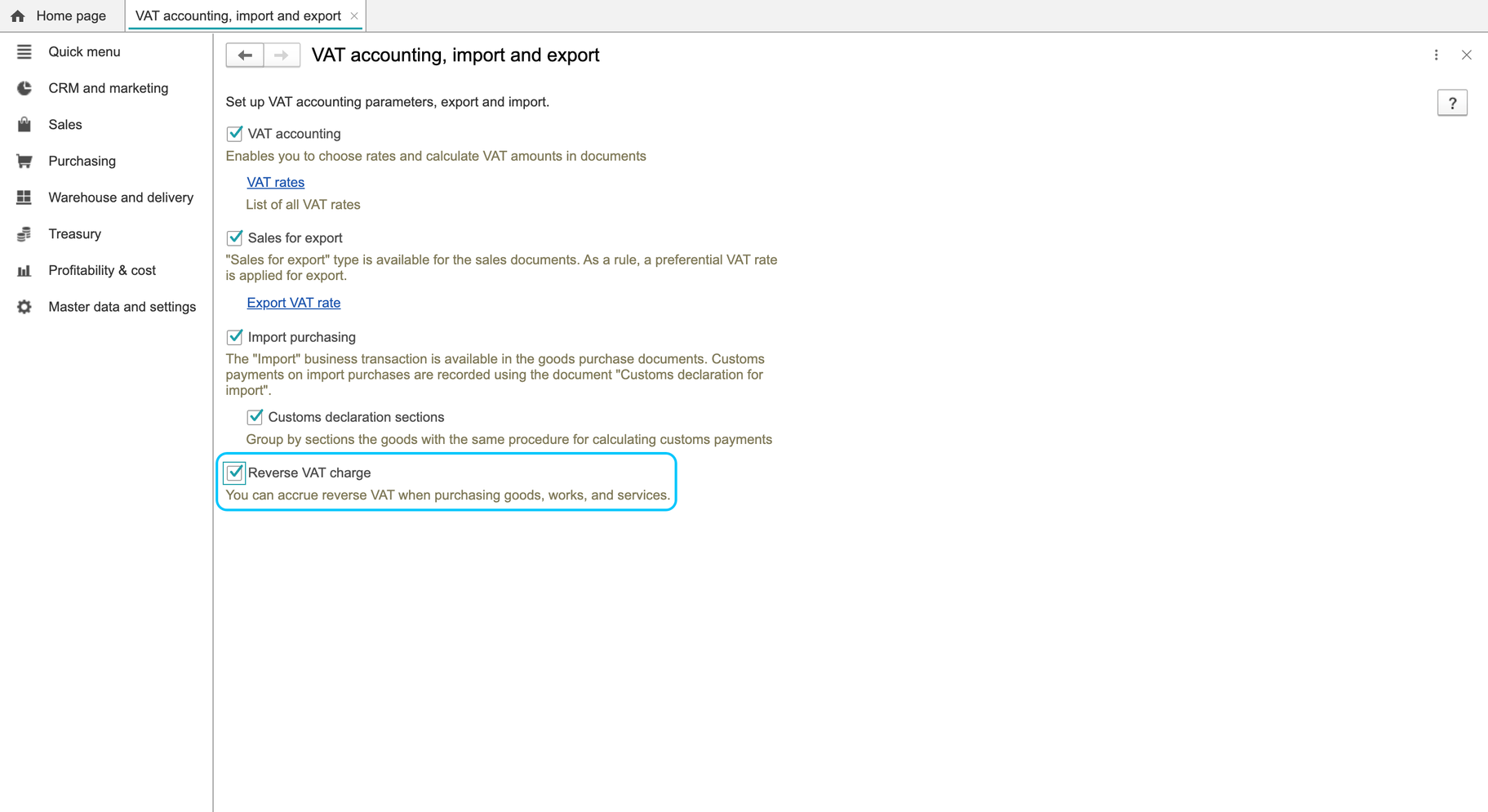
- Open Master data and settings > VAT accounting, import and export.
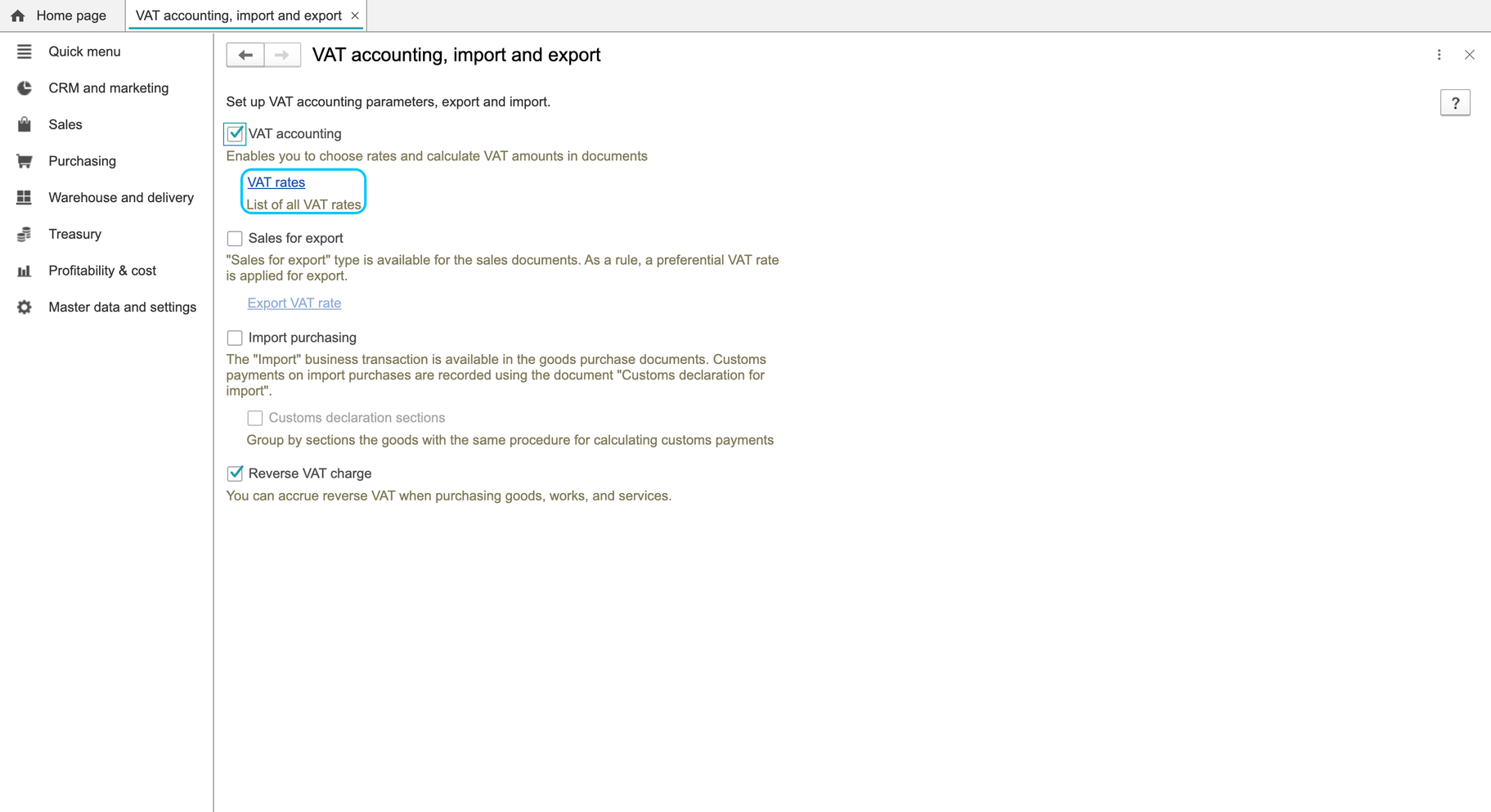
- Open the rate-catalog link and confirm that the destination is titled VAT rates. If the link caption is garbled, confirm that it opens the VAT rates catalog.
- Review the relevant existing rate and its period of application. Do not infer the applicable percentage from a demo record's name.
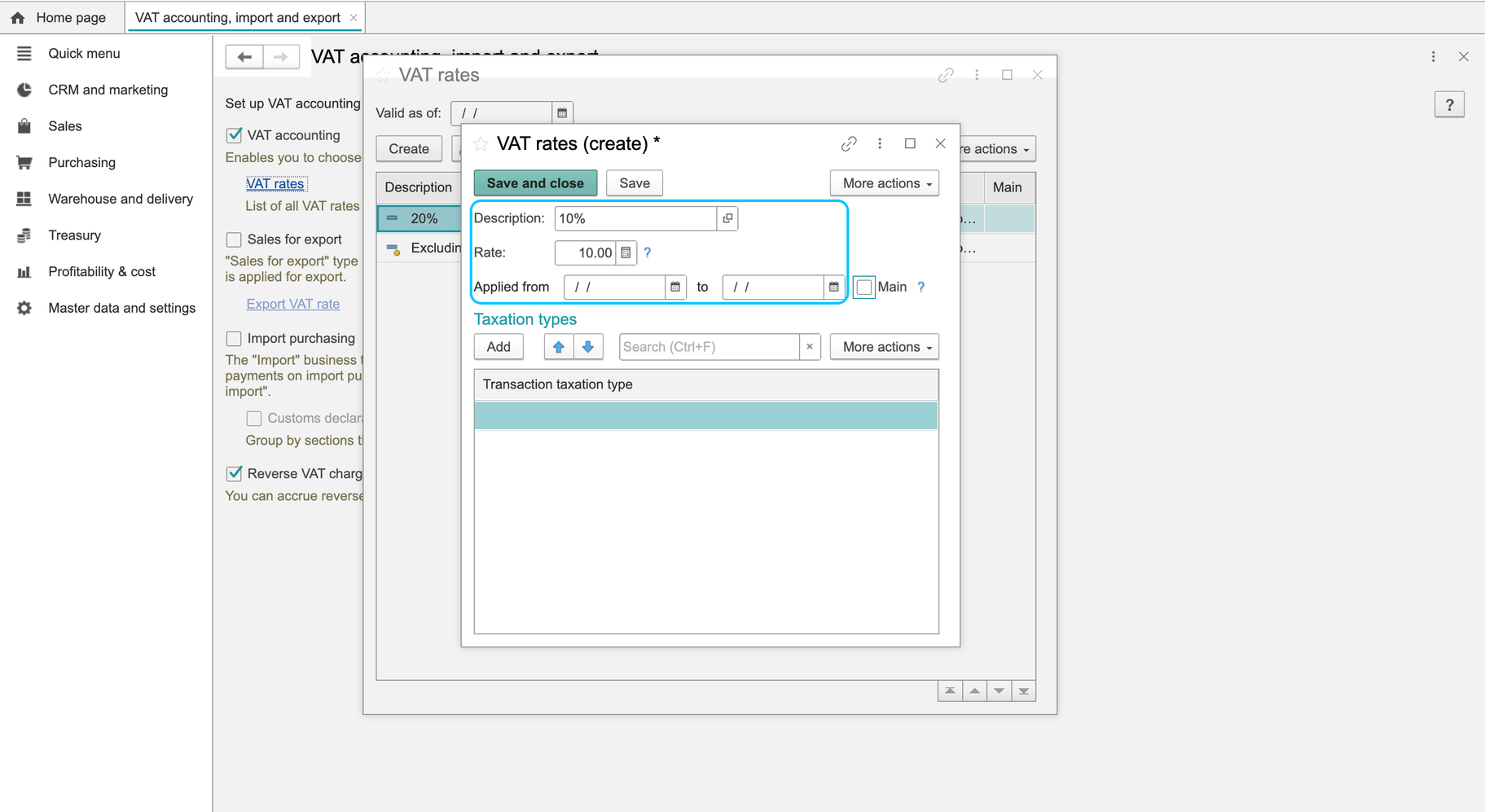
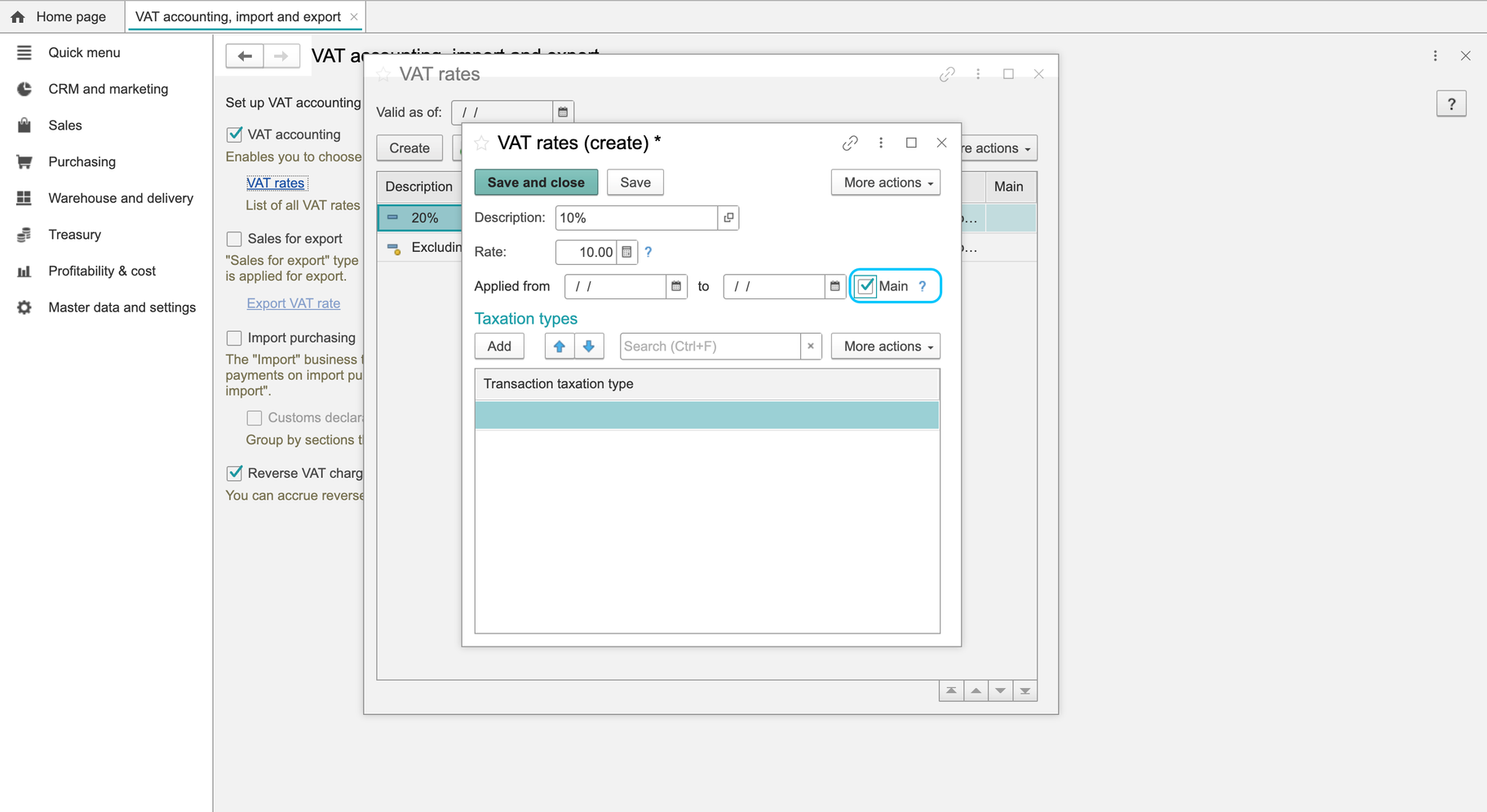
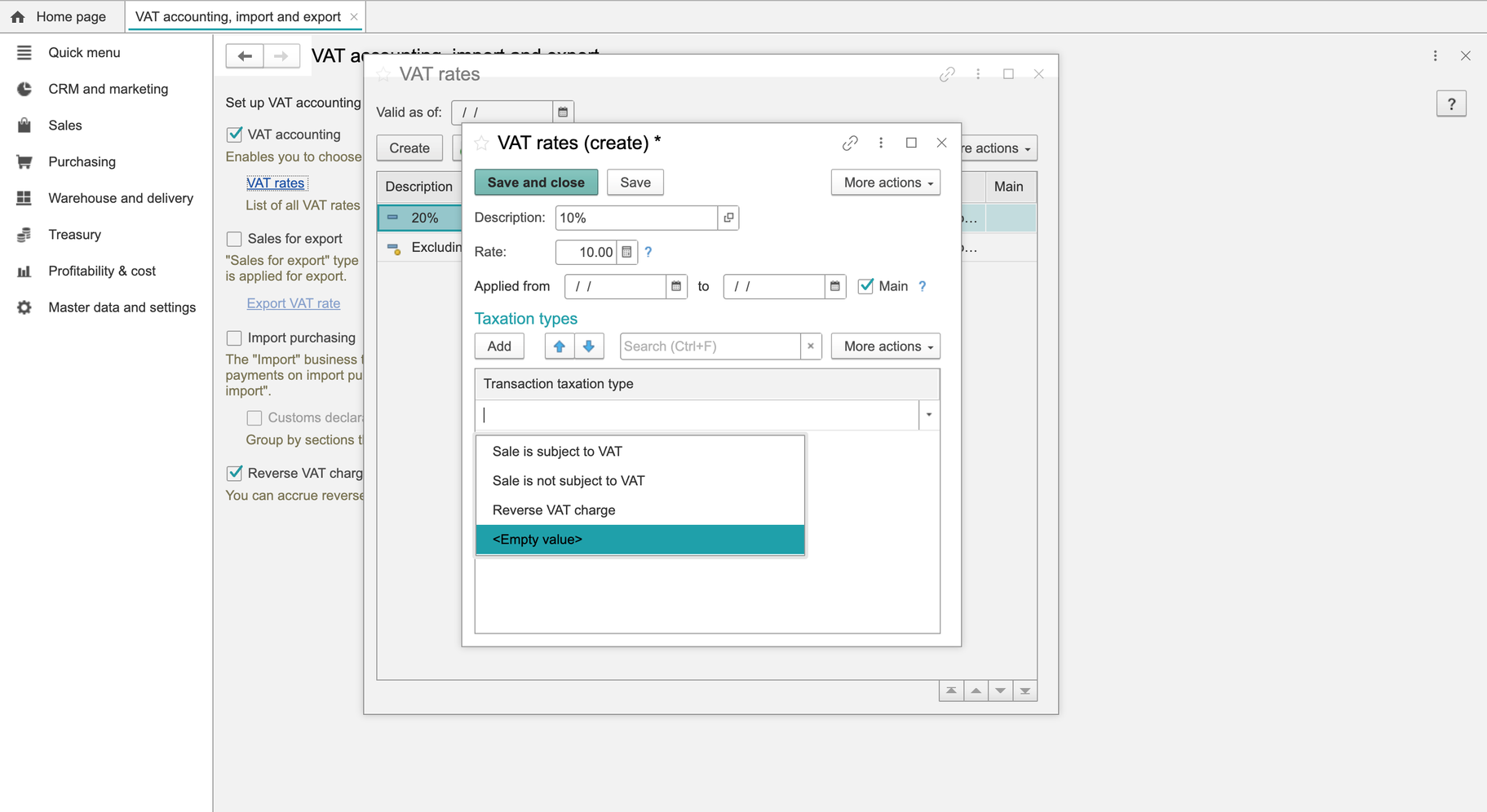
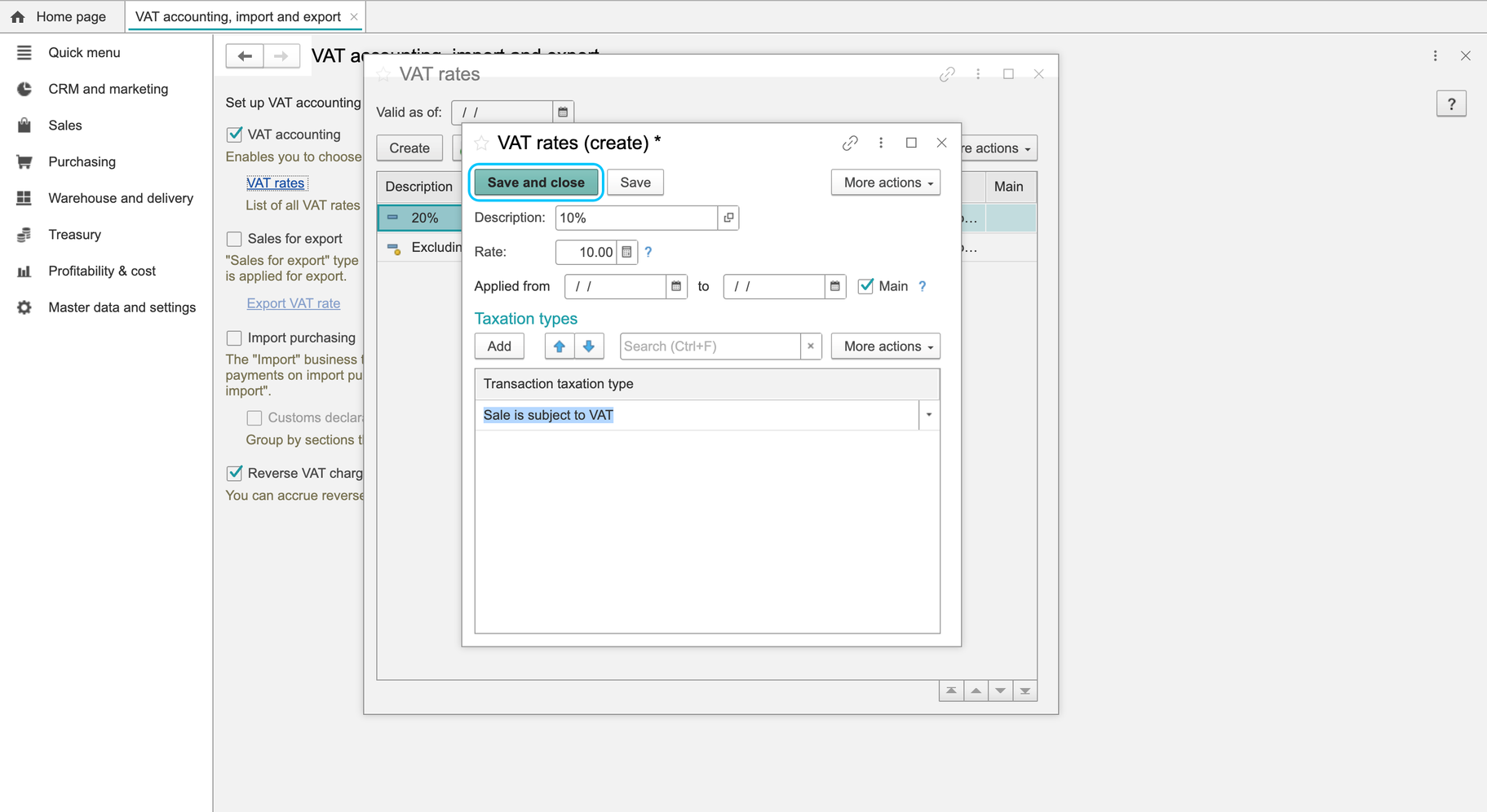
- If a new approved rate is needed, Create opens its form. The checked form contained description, rate, beginning/end of the effective period, Main, transaction-taxation entries and VAT code/description fields.
Some localized captions in these settings, including date and transaction-table fields, can be incorrect. Confirm the field's purpose before entering values; do not use the damaged captions to decide a tax regime or transaction type.
The current check opened the status, history, catalog and new-rate forms without saving changes. Saving a new rate, changing the company status and recalculating documents after a change were not tested. Have the responsible accountant confirm the values and effective dates before applying changes; do not use an arbitrary percentage to test live documents.
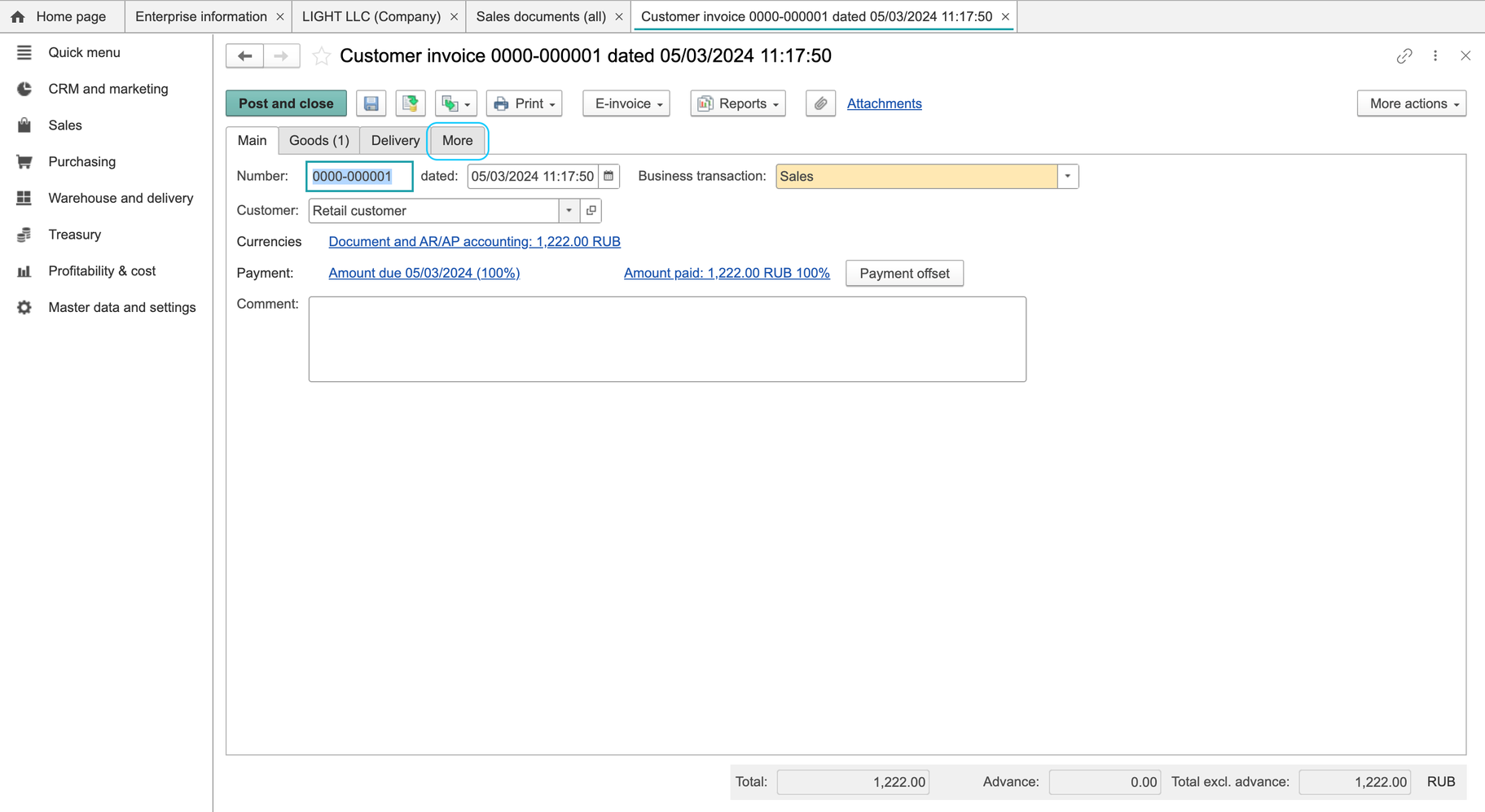
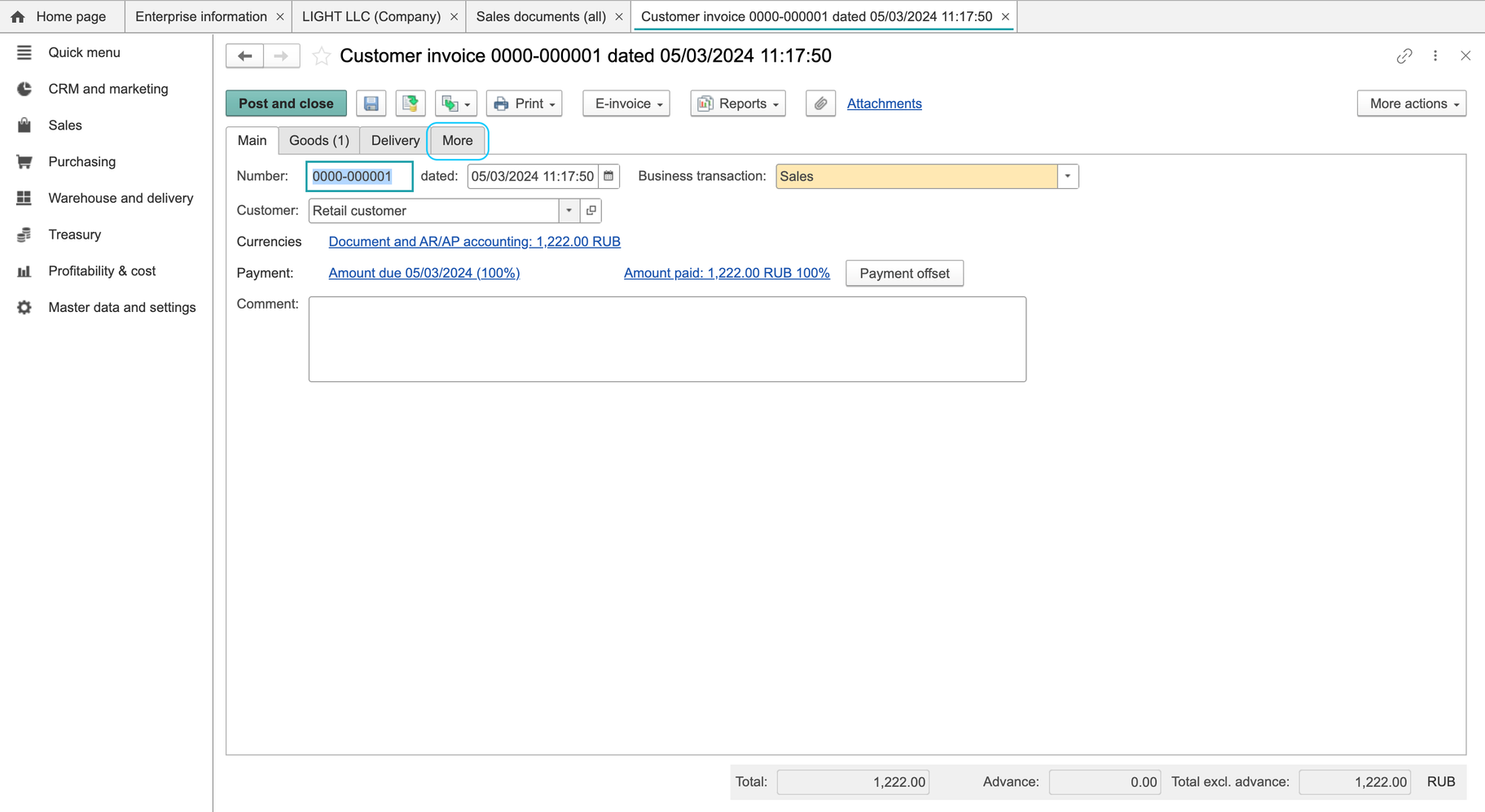
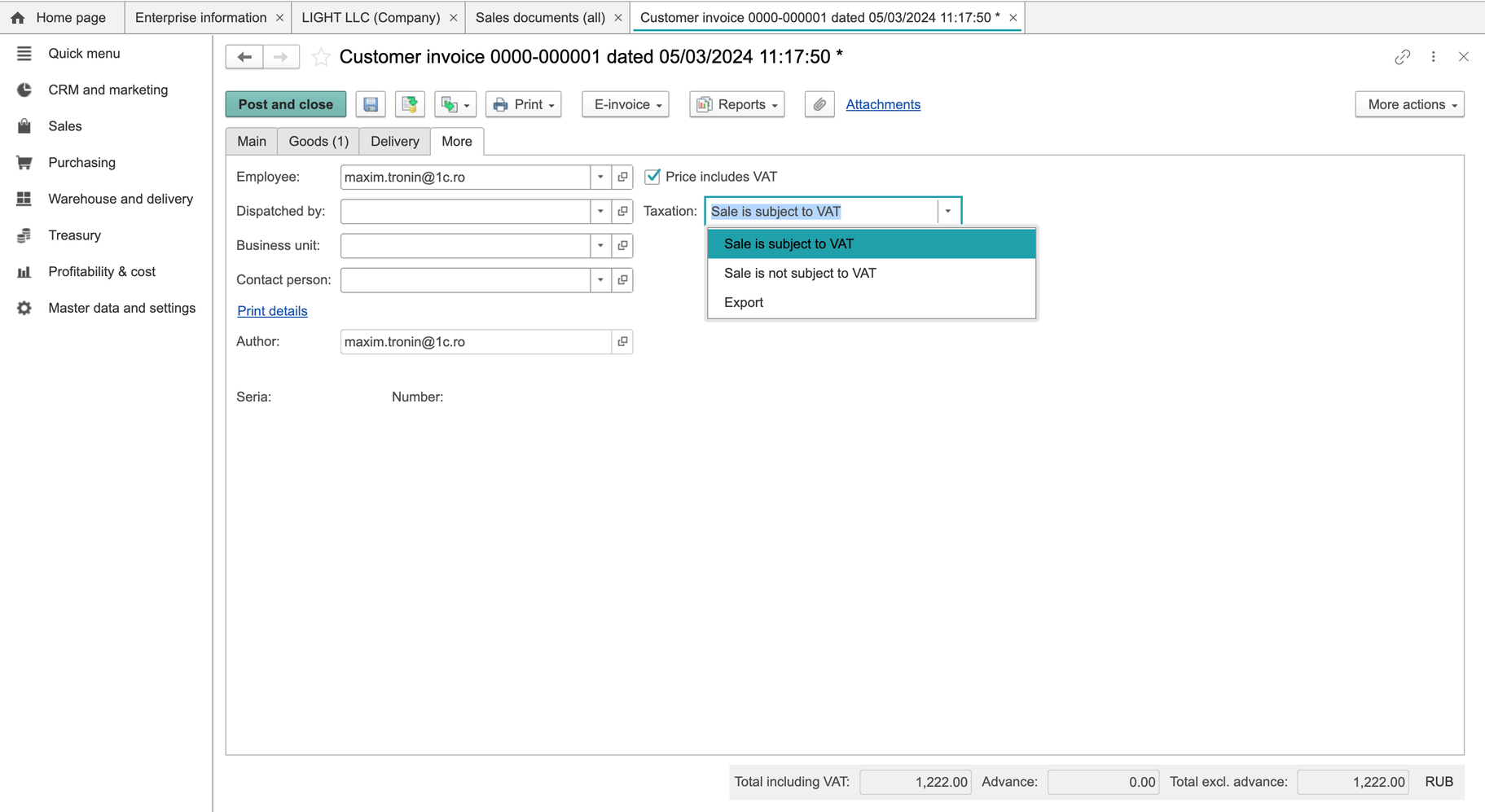
For company details, see Companies, business units and warehouses. When checking a vendor invoice or customer invoice, review the actual transaction's tax setting, rate, VAT-inclusive basis and total.
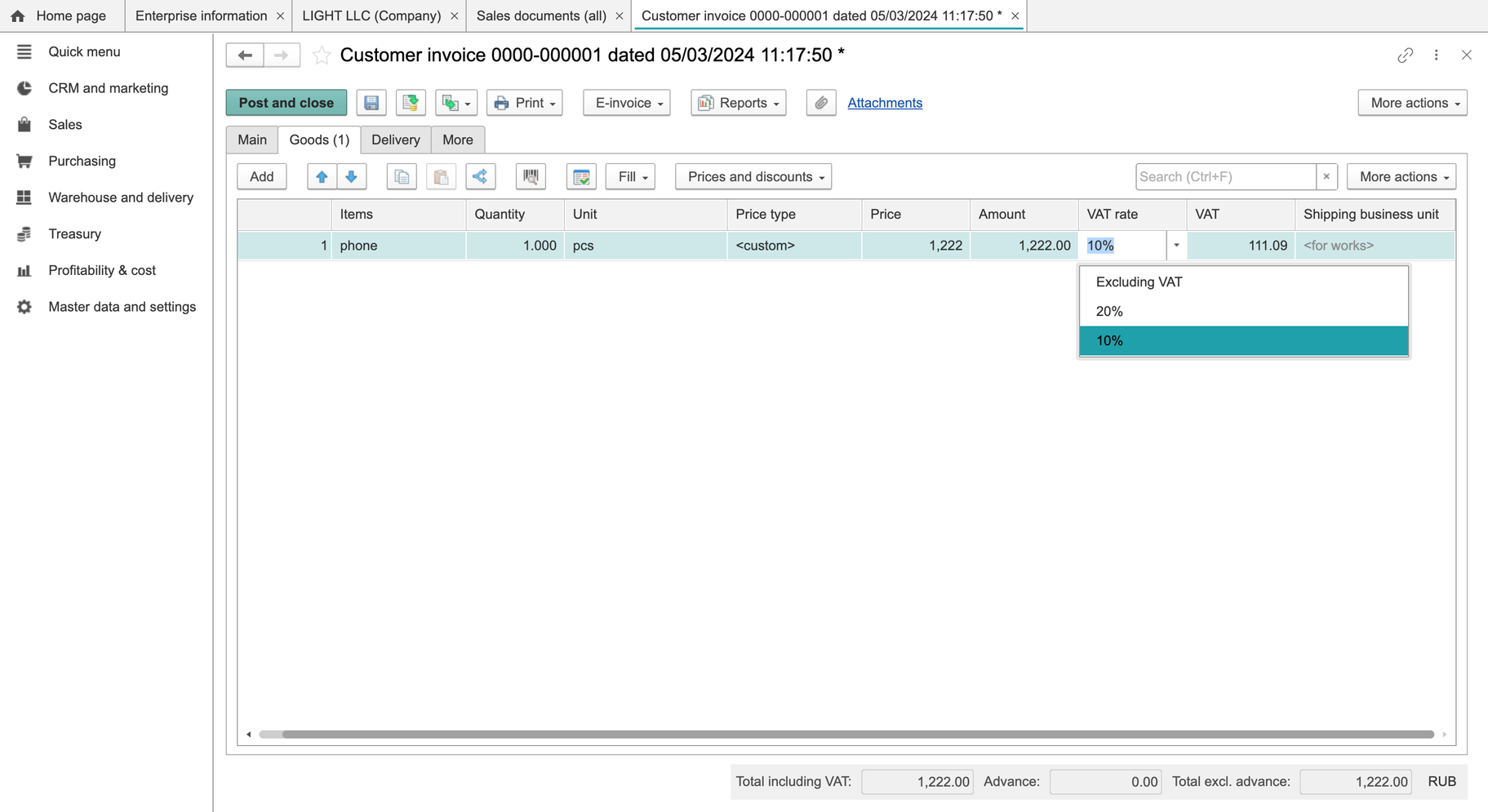
Archived illustrations — earlier interface
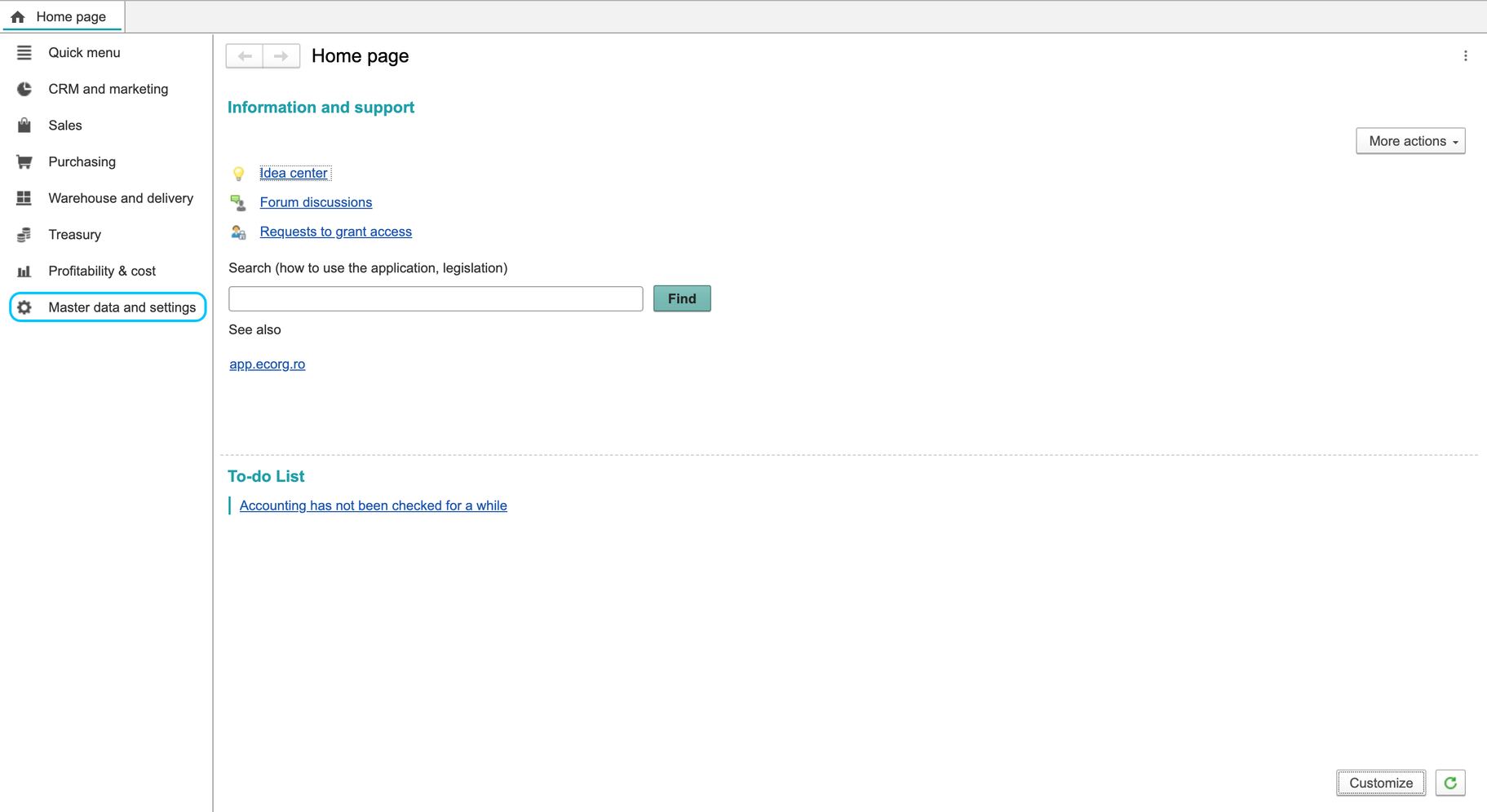
These earlier screens include the old VAT-payer checkbox, feature toggles and demonstration rates. They do not establish current controls, required options or an applicable tax percentage.
Archived illustrations — earlier interface