Creating prices types
Earlier-interface video; use the manual price-type and item-price workflows below.
Earlier-interface video. Follow the written steps below for the current workflow; sample values are illustrative. Any tax values shown are not guidance for the current transaction.
A price type defines the currency, VAT inclusion basis, usage and pricing method. Creating the type does not assign a numeric price to an item. After saving a manual type, set and register the item prices.
Before you start
Decide the approved price policy: currency, whether prices include VAT, where the type is used and whether prices are entered manually. The steps below cover Manual assignment.
Create the price type
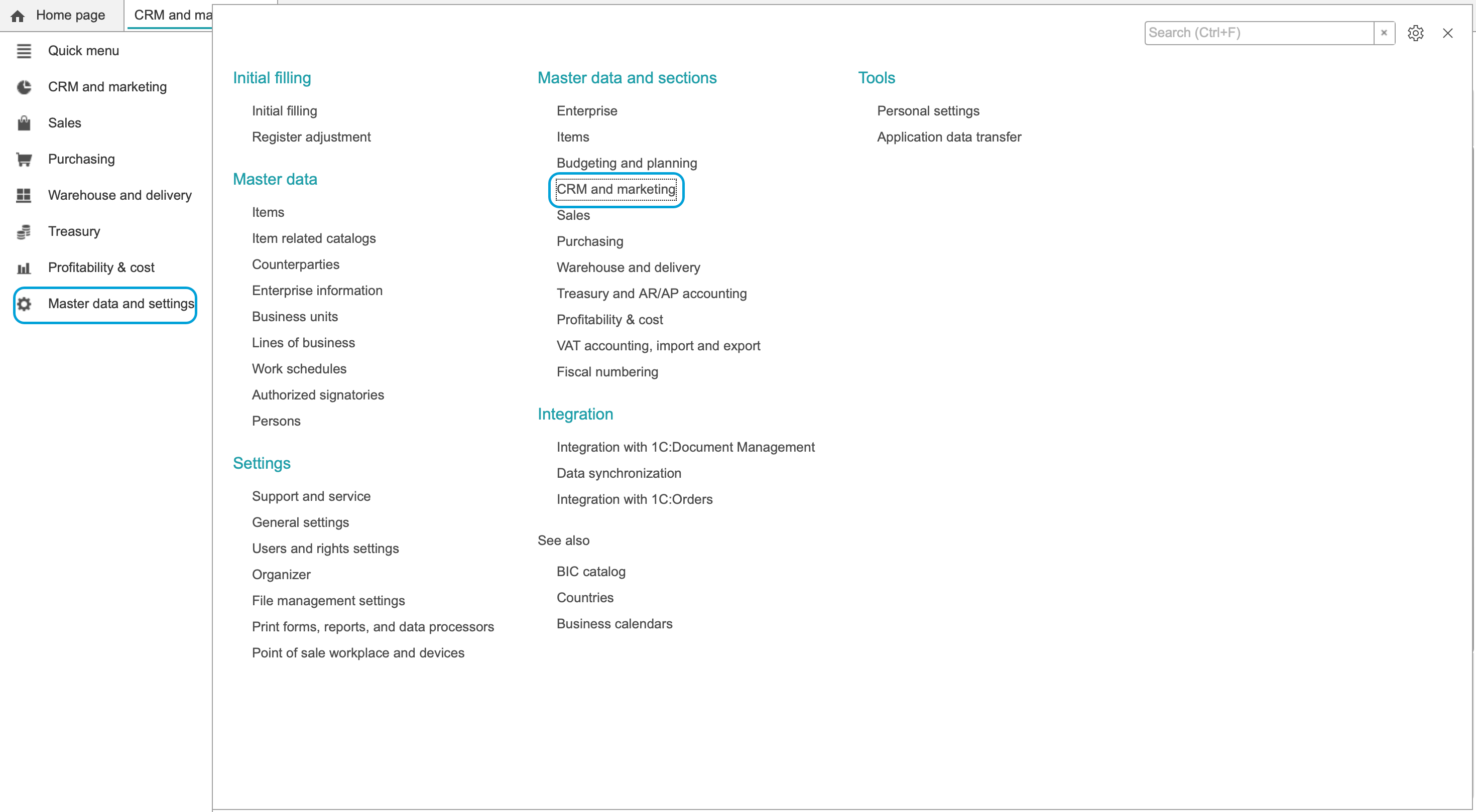
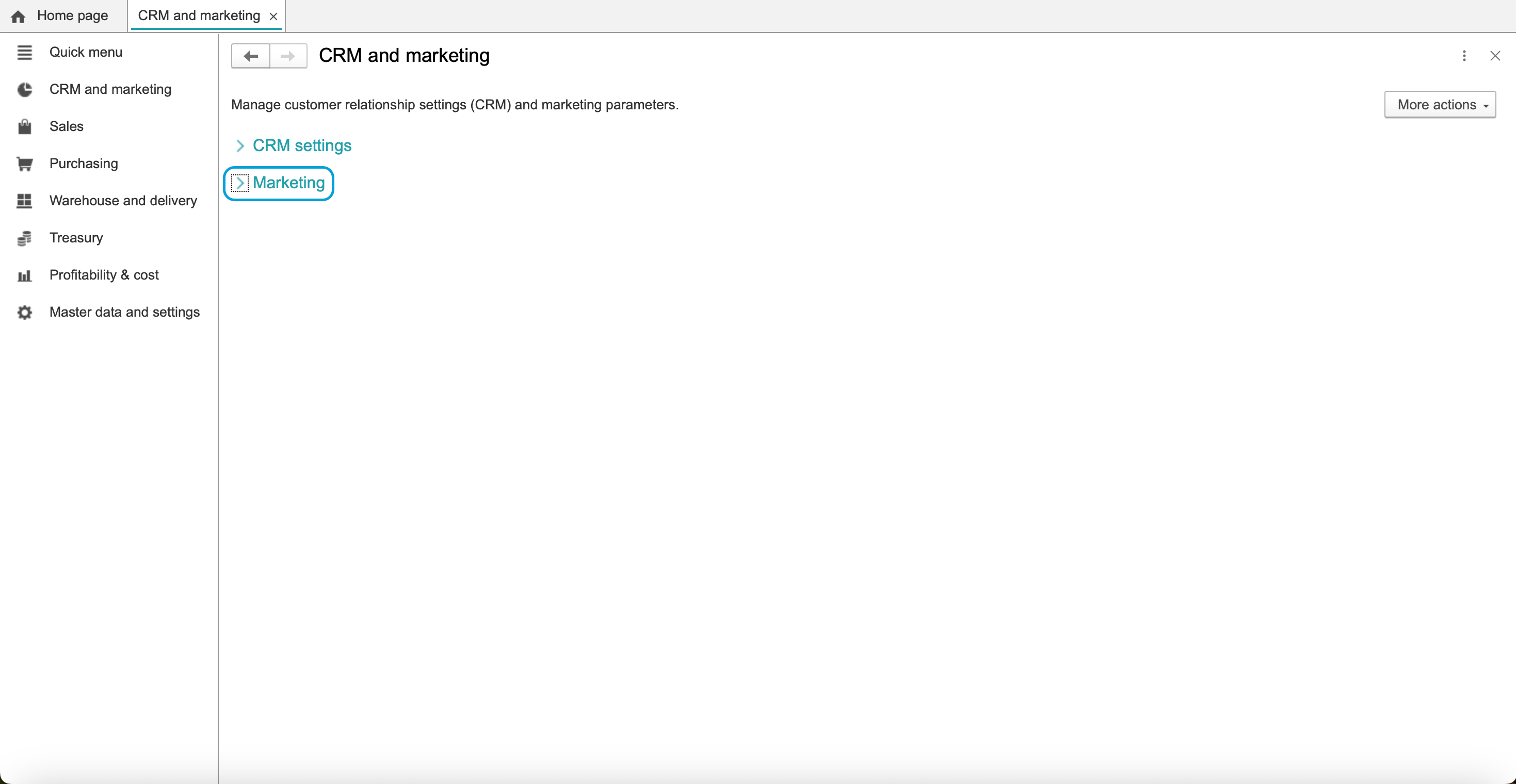
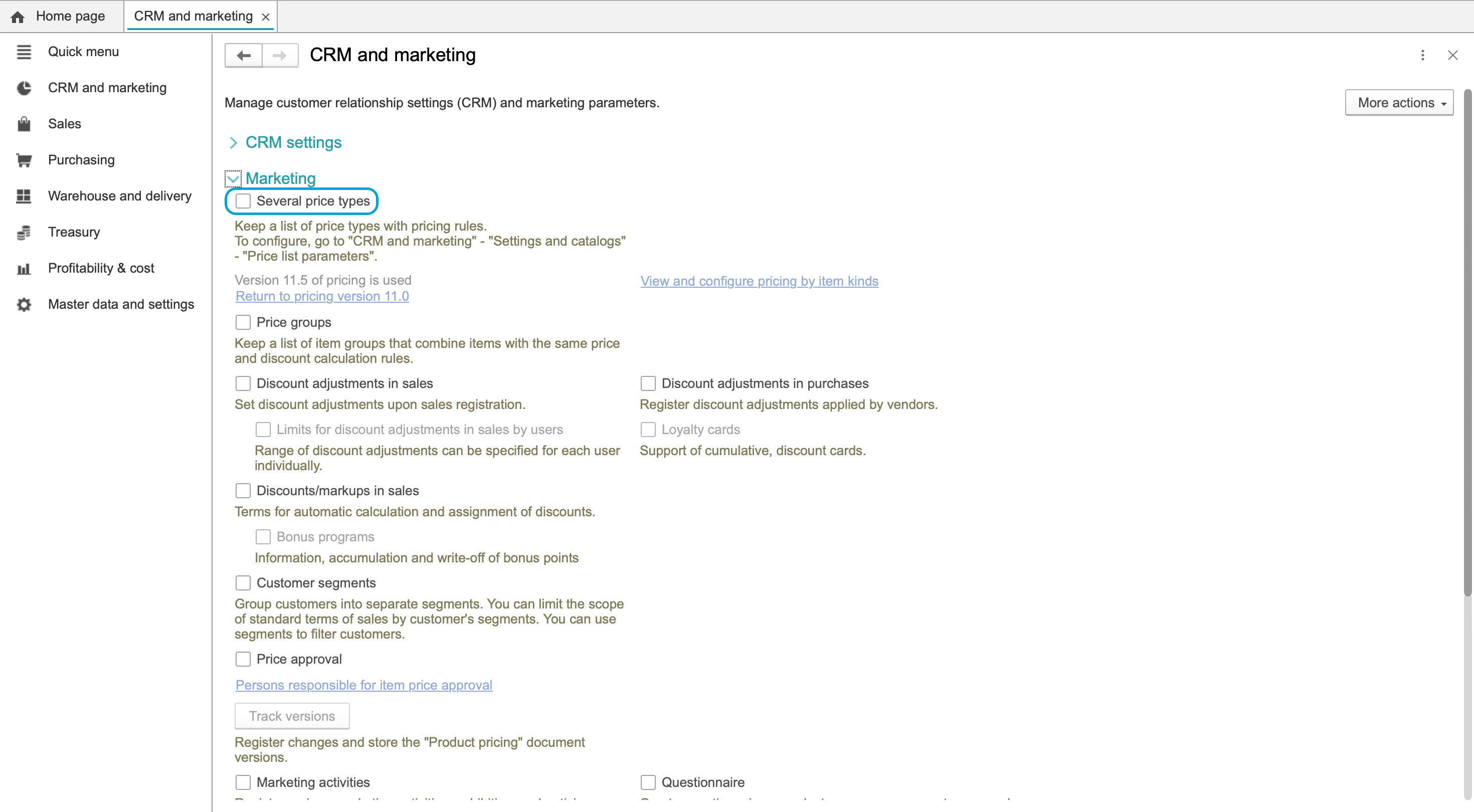
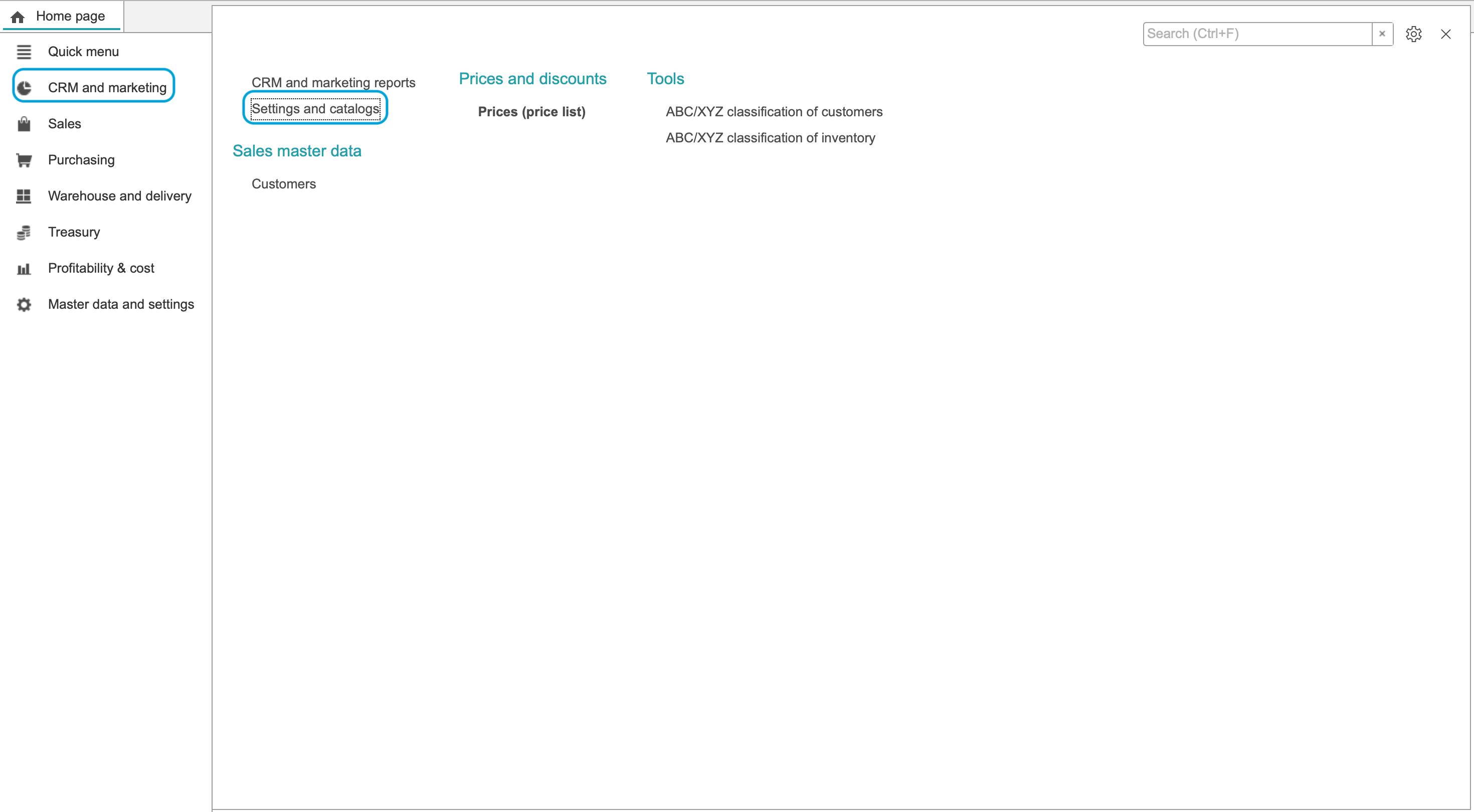
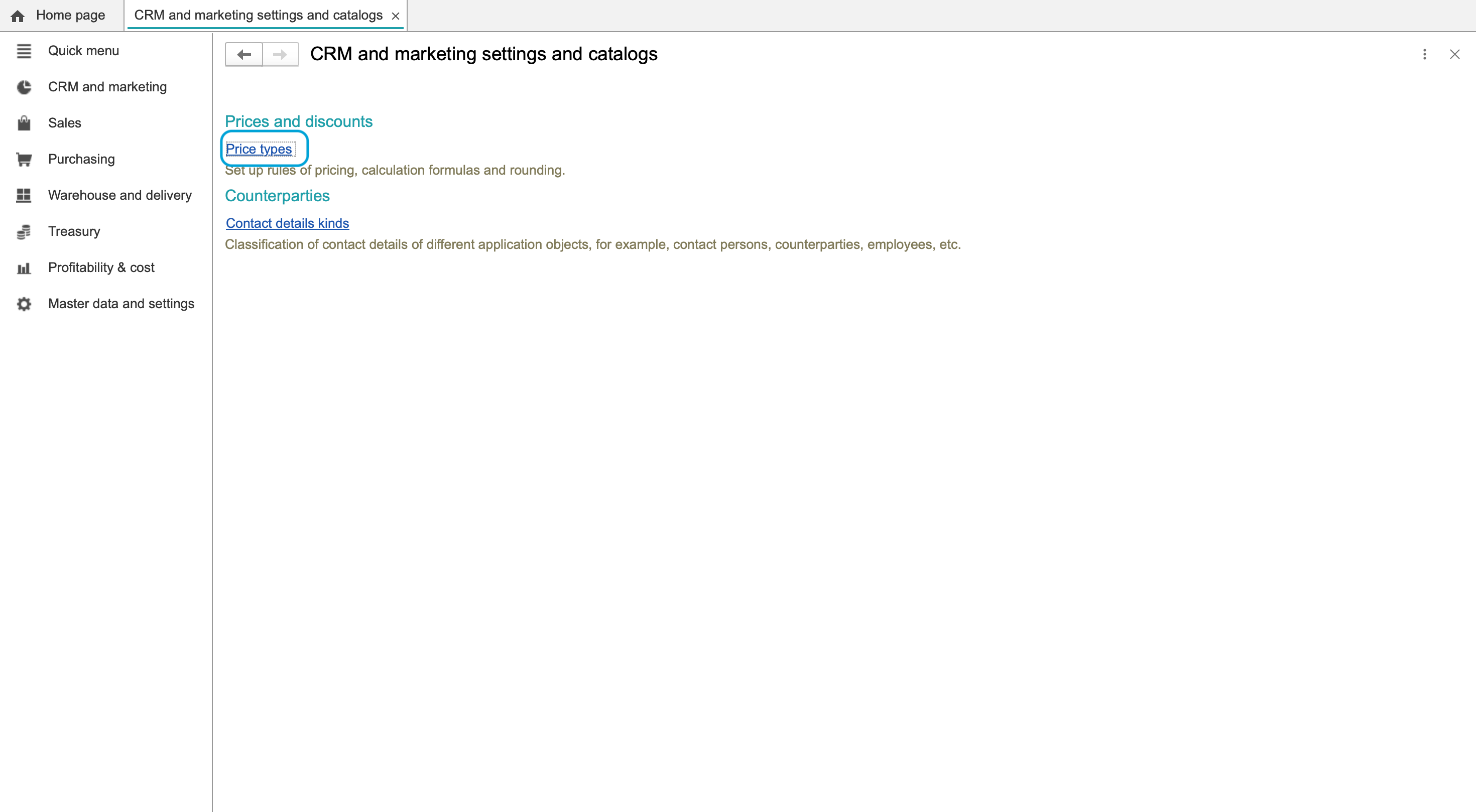
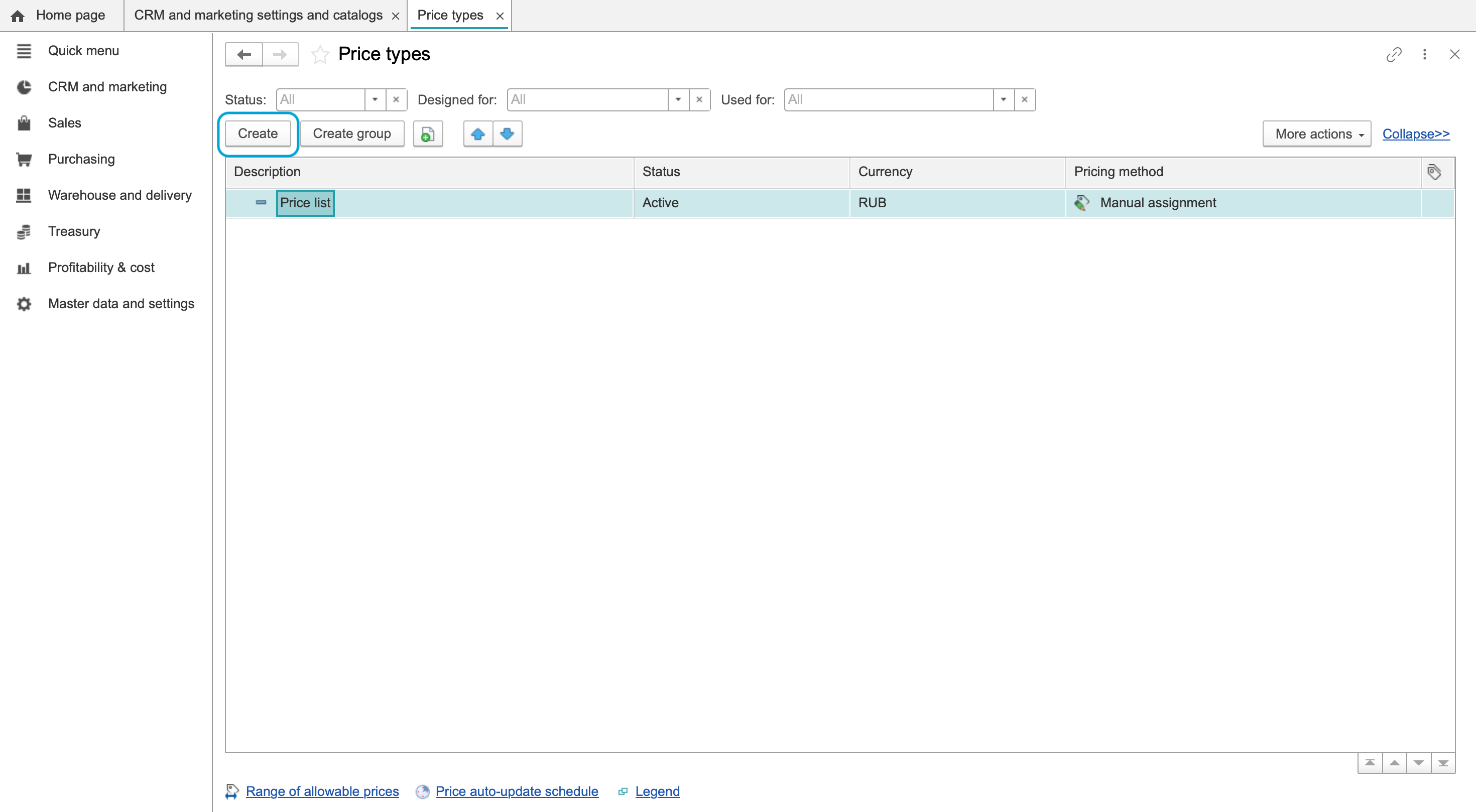
- Open CRM and marketing > Settings and catalogs > Price types and choose Create.
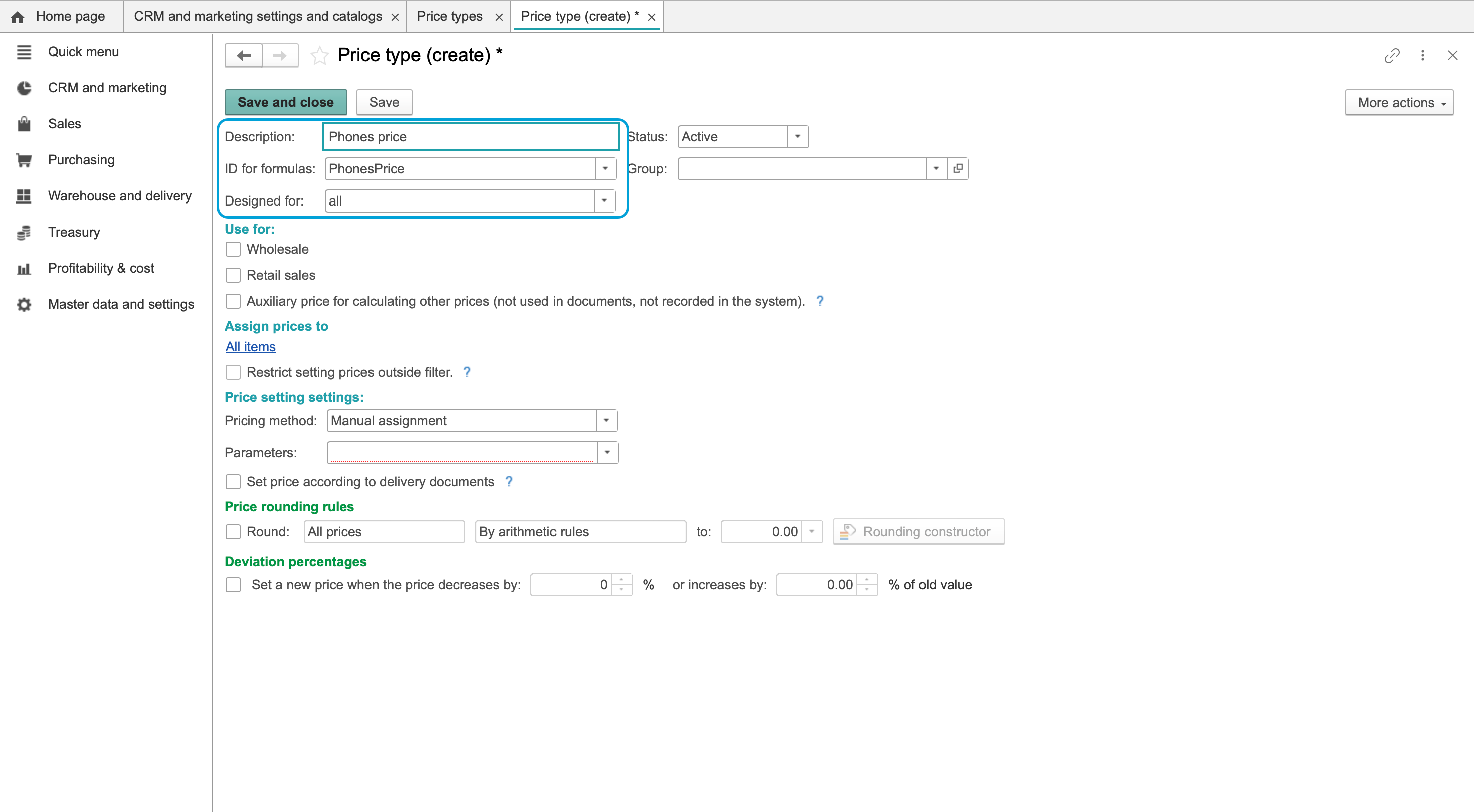
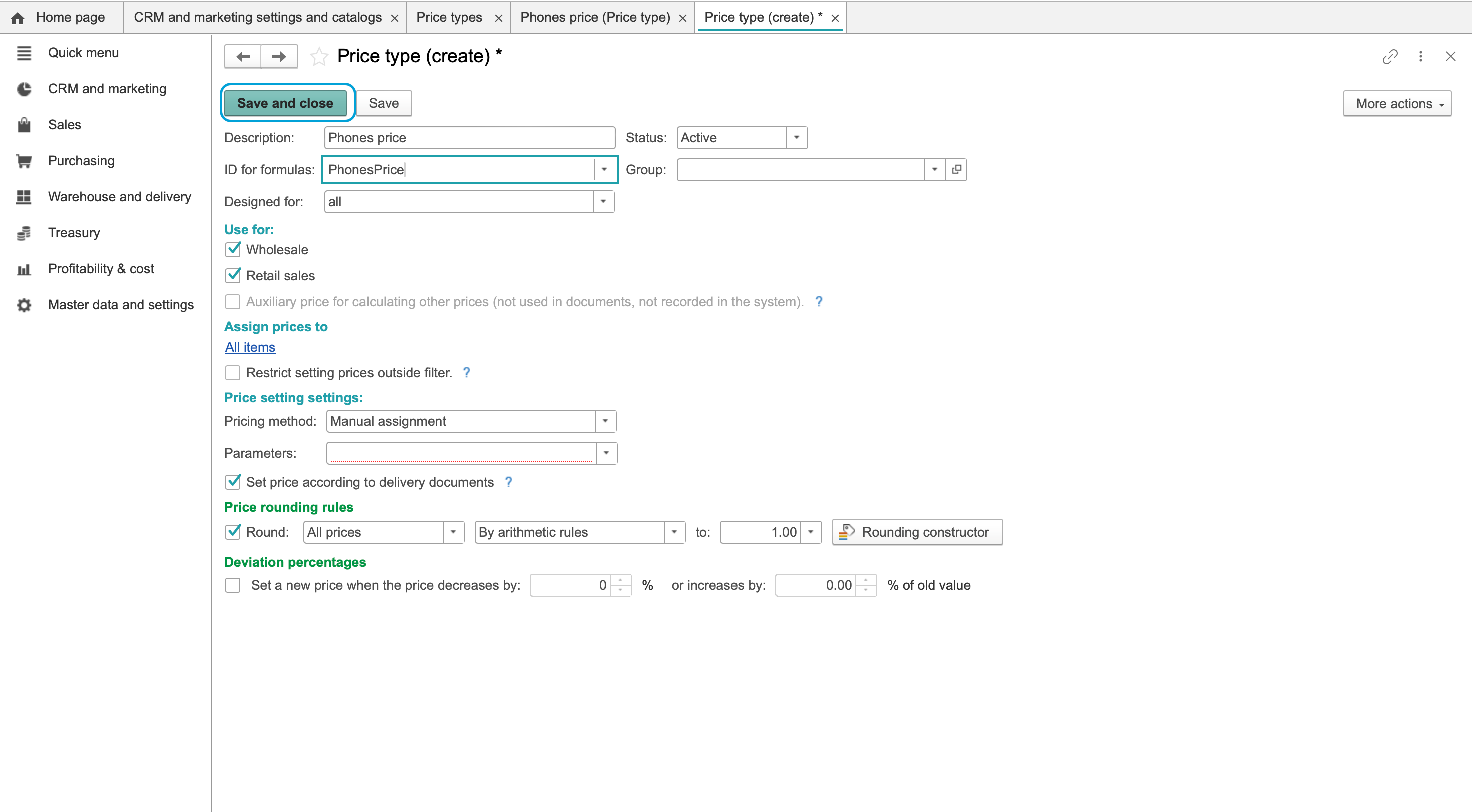
- Enter a clear description. Review the generated formula identifier; it identifies the type separately from the item prices.
- Check Active and the intended purpose or scope. Choose the scope that matches the company's use of this type.
- Select the currency.
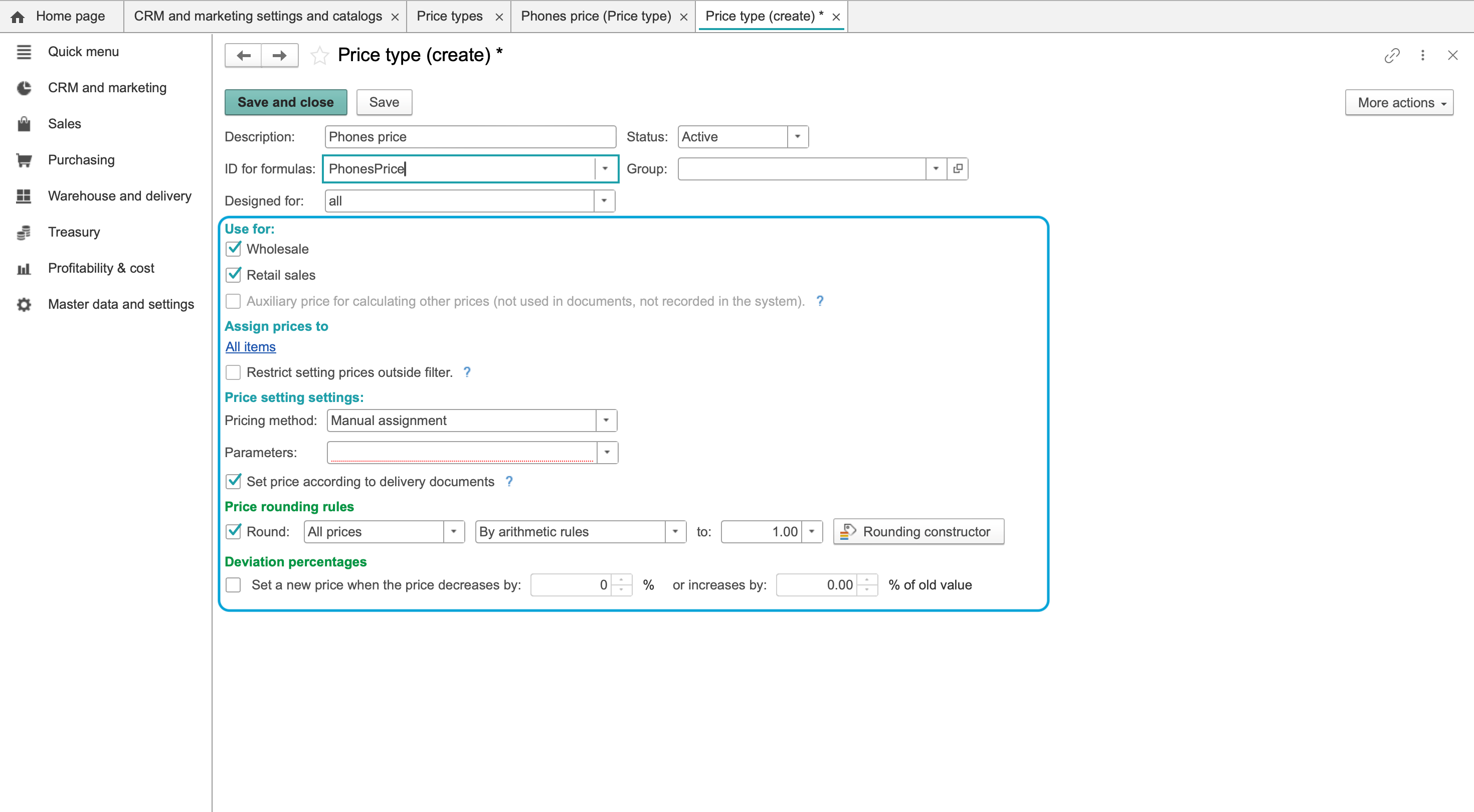
- Review Price includes VAT according to the approved pricing policy. Do not choose the VAT basis merely because a type is called retail or wholesale.
- Select the intended use. For wholesale pricing, select Wholesale; choose other usage options only when they match the process.
- Set the method to Manual assignment.
- Review the rounding and threshold settings. Use the company's approved rules rather than assuming the initial values are suitable.
- Choose Save and close.
Check the result
Find and reopen the type in Price types. Check the description, active status, scope, currency, VAT flag, usage and manual method.
Then set item prices. In a sales document, check the applicable terms and selected price type before relying on the price filled into a line.
If the type is unavailable
Check its active status, usage, currency and scope. In the price-list settings, make sure the type is selected in the appropriate display and editing columns. Creating a type alone does not create an item-price record.
Calculated methods and imports require their own source and calculation settings; this manual-price procedure does not configure them.
See also sales terms.
Earlier interface illustrations
These archived screens also show methods and sample values outside the manual workflow. Do not copy currencies, VAT flags, percentages or formulas from them; use the approved policy and current form.