Implementation of the Warehouse management scheme
Earlier-interface video. Follow the written steps below for the current workflow; sample values are illustrative.
Warehouse management can separate the financial document from the document that records the physical receipt or shipment of goods. The general option and the process used by a particular warehouse must be considered separately.
General option
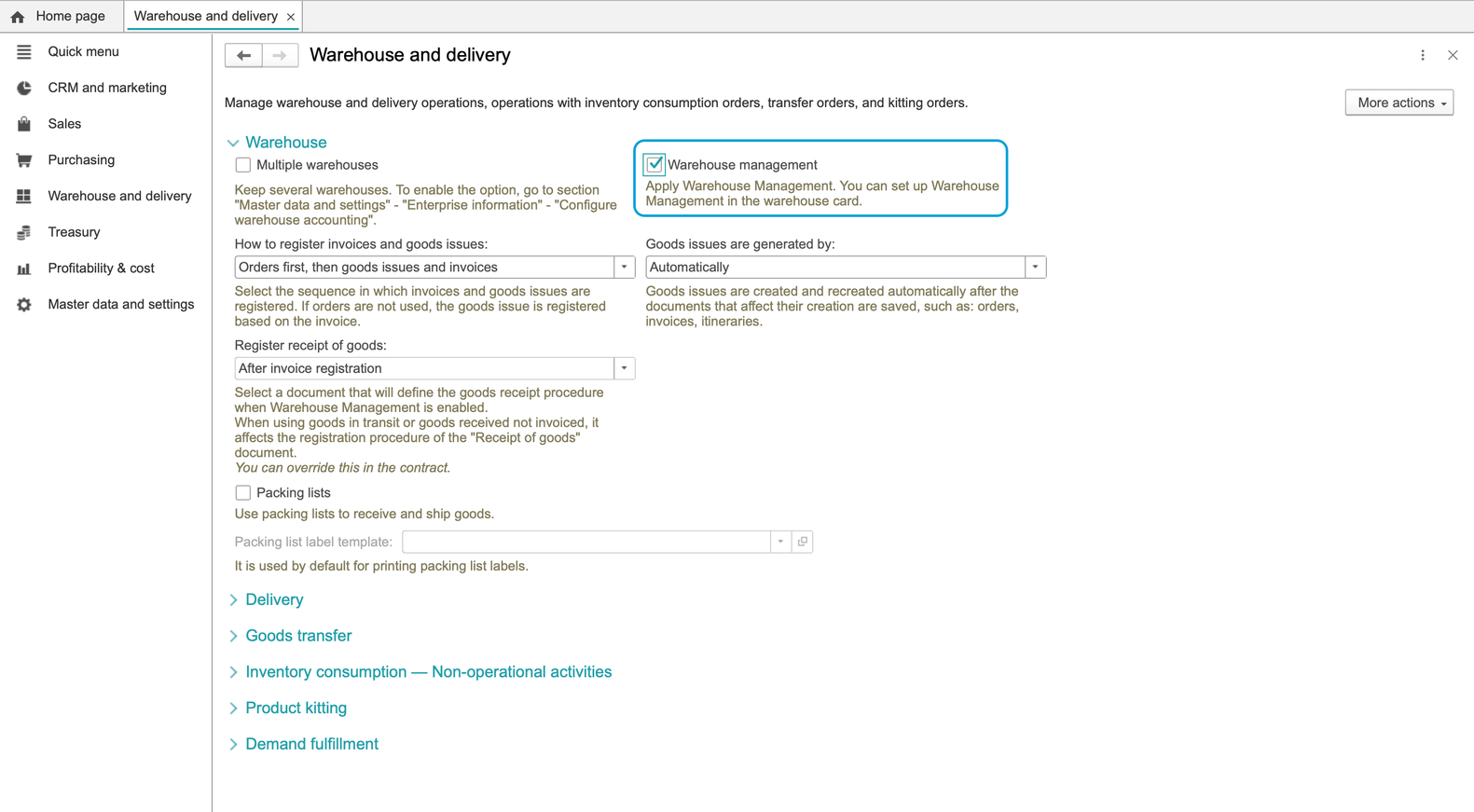
The video and illustrations below show the preliminary setup under Master data and settings - Warehouse and delivery. They show an earlier interface state.
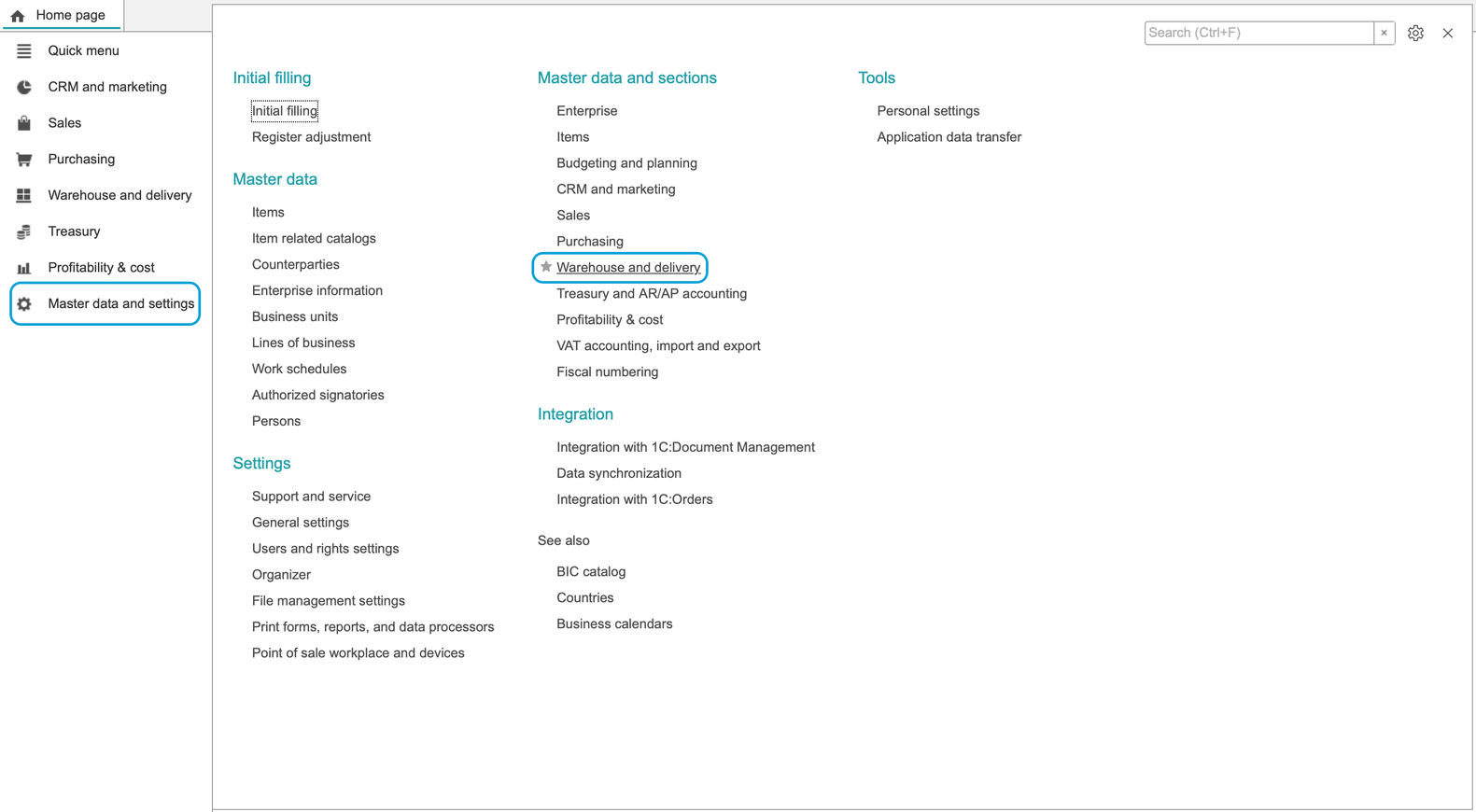
The Warehouse management flag is a general prerequisite for the scheme. Enabling this flag alone does not establish every warehouse's receipt, shipment or bin process.
Check the warehouse's process
Before using the scheme, confirm the process configured for the warehouse you will work with:
- Receipts: establish whether a separate warehouse receipt is required and which order or invoice serves as its basis.
- Shipments: check the outgoing process separately; a working receipt process does not confirm shipment settings.
- Bins: check whether location information or bin putaway is part of the process. Warehouse receipt and placement into bins are separate steps when the warehouse uses them.
The receipt and shipment guides below apply to a warehouse already configured for separate warehouse documents. Set up and follow bin putaway separately when your warehouse uses bins.
Complete a receipt and check the result
If a purchase order remains Ready for receipt after its vendor invoice is created, complete the separate warehouse receipt. Open Receipt, create a Warehouse receipt note, check the goods and set the note to Accepted before posting.
Follow Receiving goods at an order-controlled warehouse for the steps and the independent Warehouse stock report check. If the item requires batch tracking, also check Item batches and expiry dates.